User Registration
Register a prospect directly under you.
Step-by-Step Guide
This section explains exactly how User Registration works, the exact data flow, and any conditions related to it.
User Interface Walkthrough
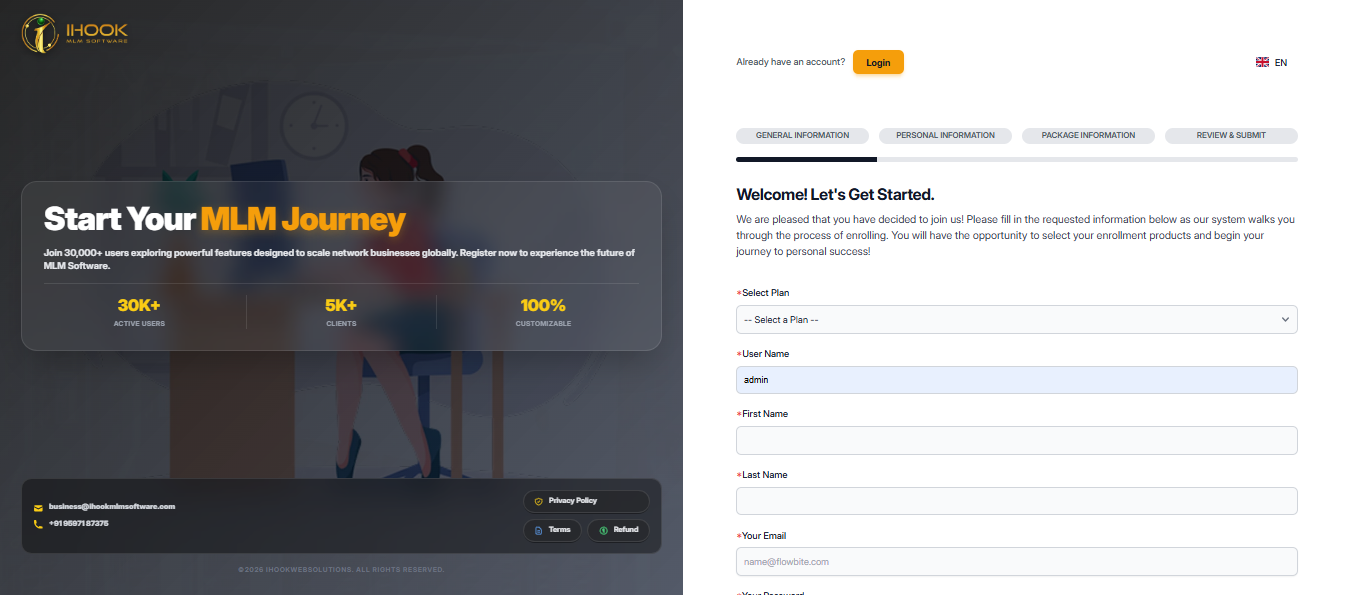
General Information
Flow Definition
Provide your general information such as username and sponsor details to initiate the registration.
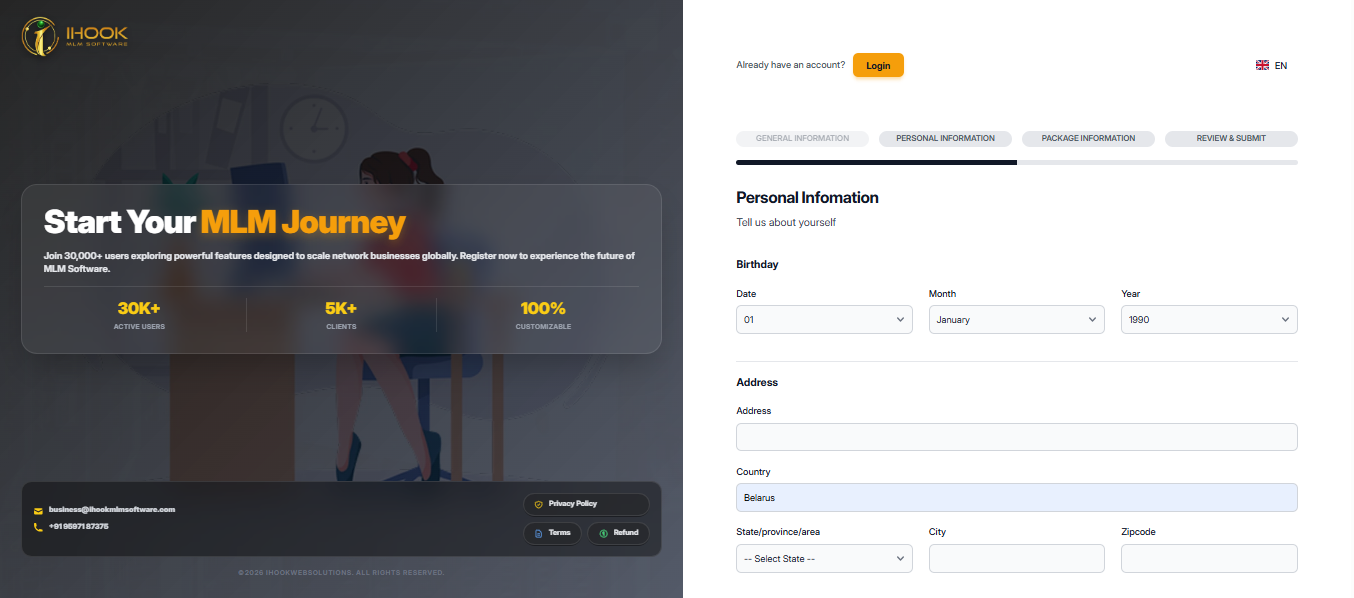
Personal Information
Flow Definition
Enter your personal details including name, contact information, and address for your account profile.
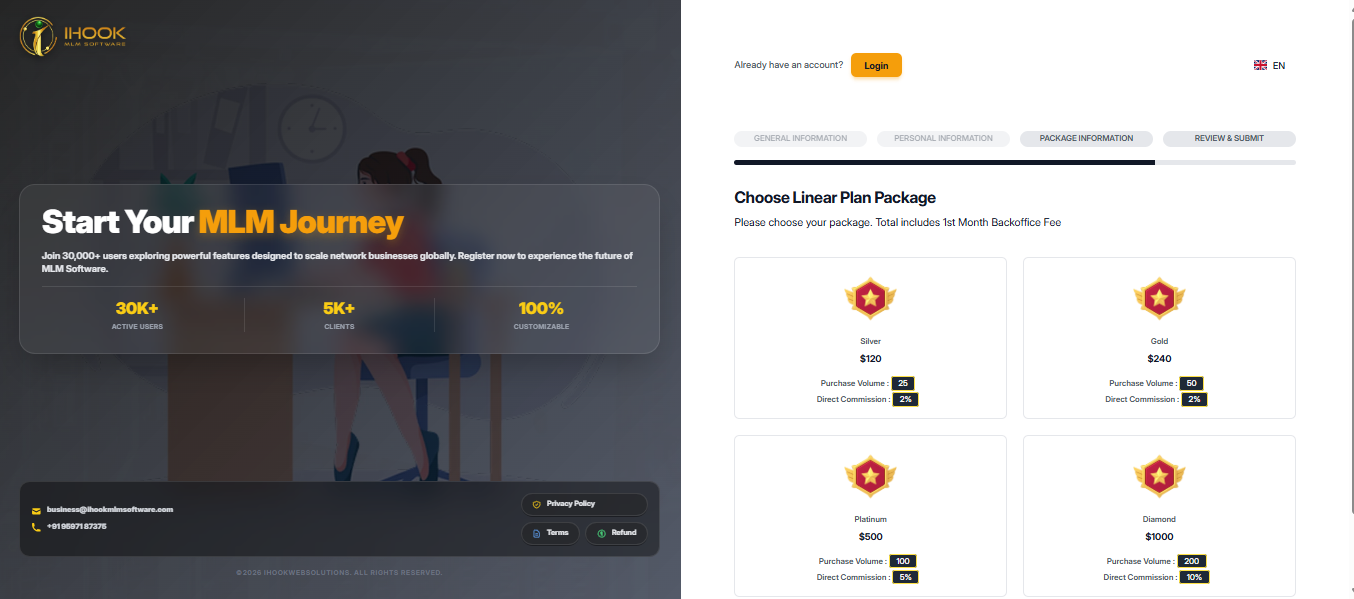
Package Information
Flow Definition
Select the membership package you wish to purchase for your account.
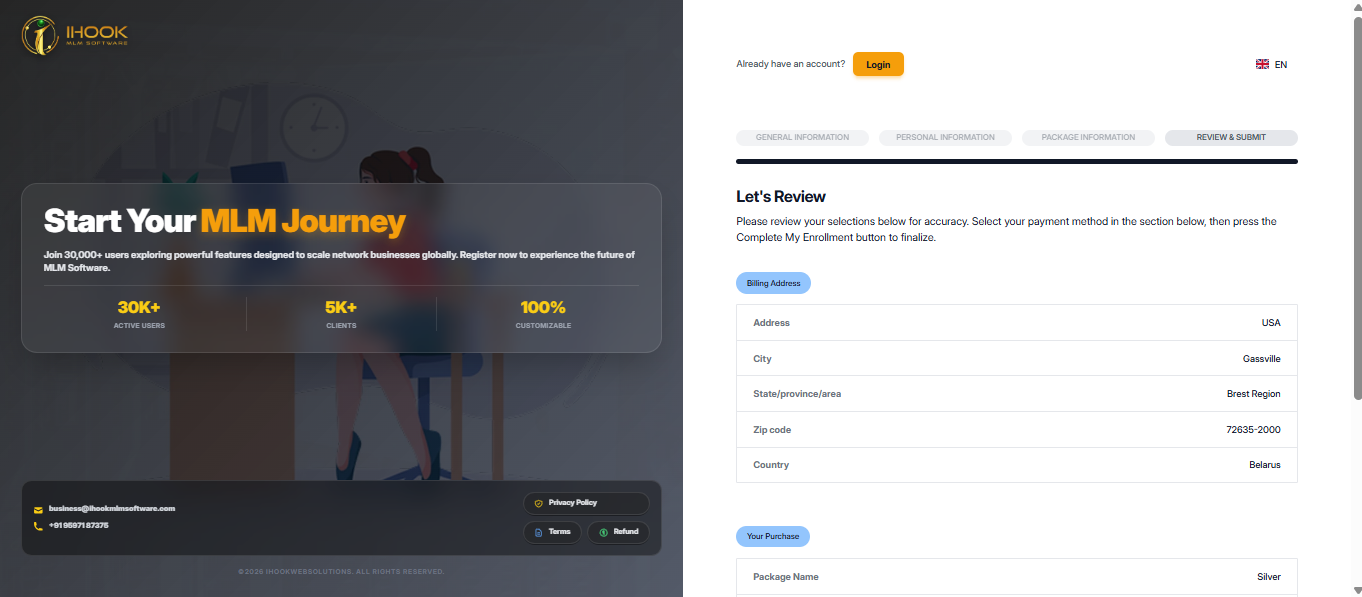
Review and Submit
Flow Definition
Review all the entered information for accuracy and submit your registration application.
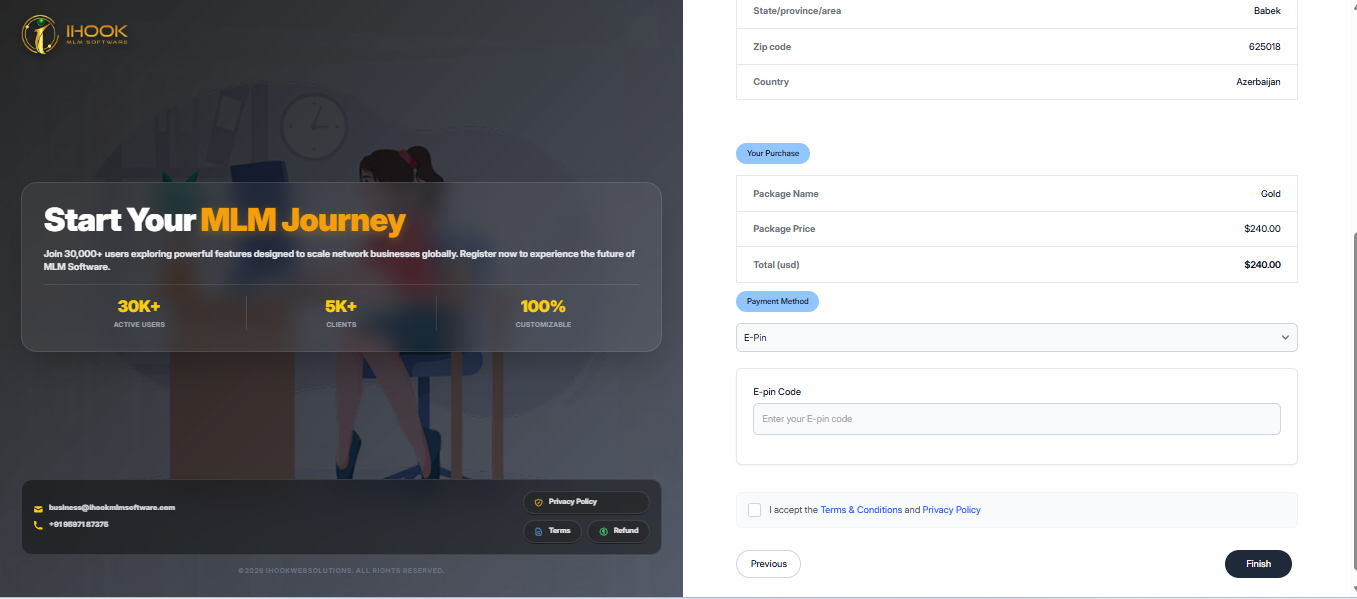
E-Pin Payment
Flow Definition
Provide a valid E-Pin to complete the payment for your selected package.
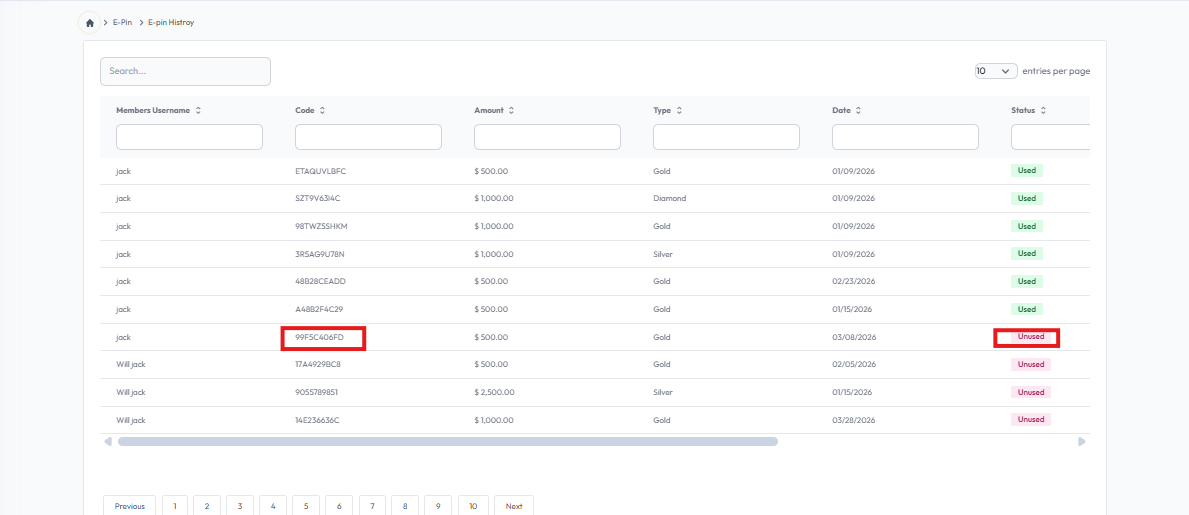
E-pin History
Flow Definition
View the history and usage details of your generated or purchased E-Pins.
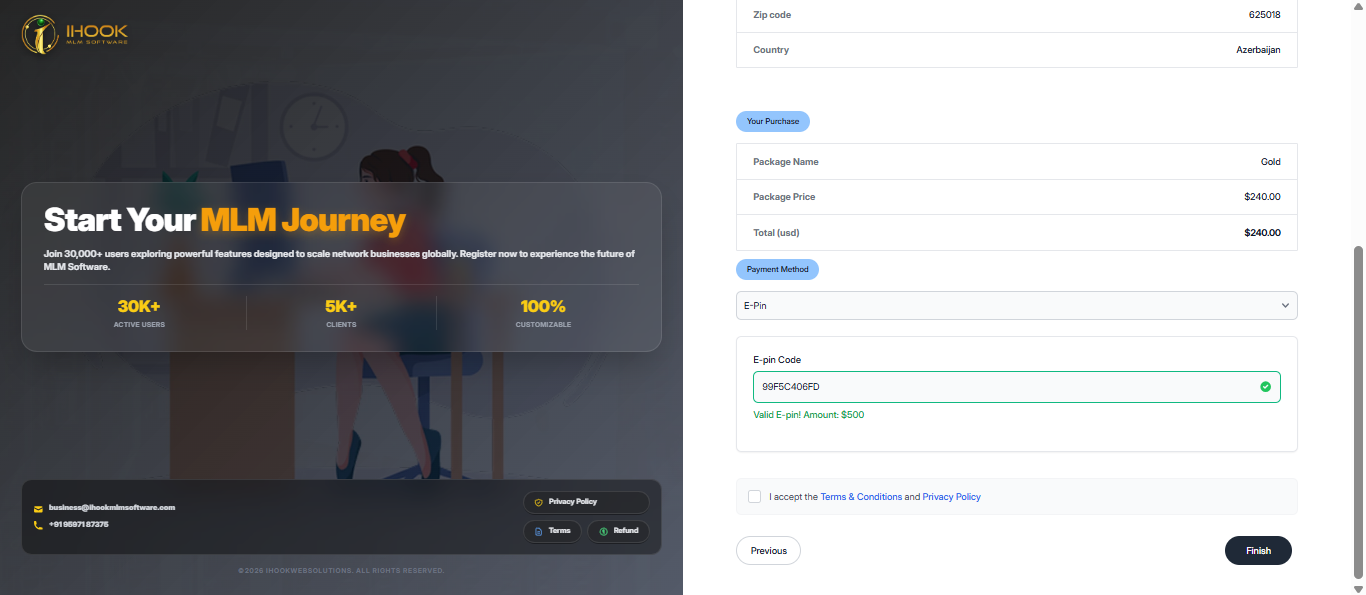
E-Pin valid
Flow Definition
Check the validity and status of an E-Pin before applying it for payment.
Available Payment Integration
Flow Definition
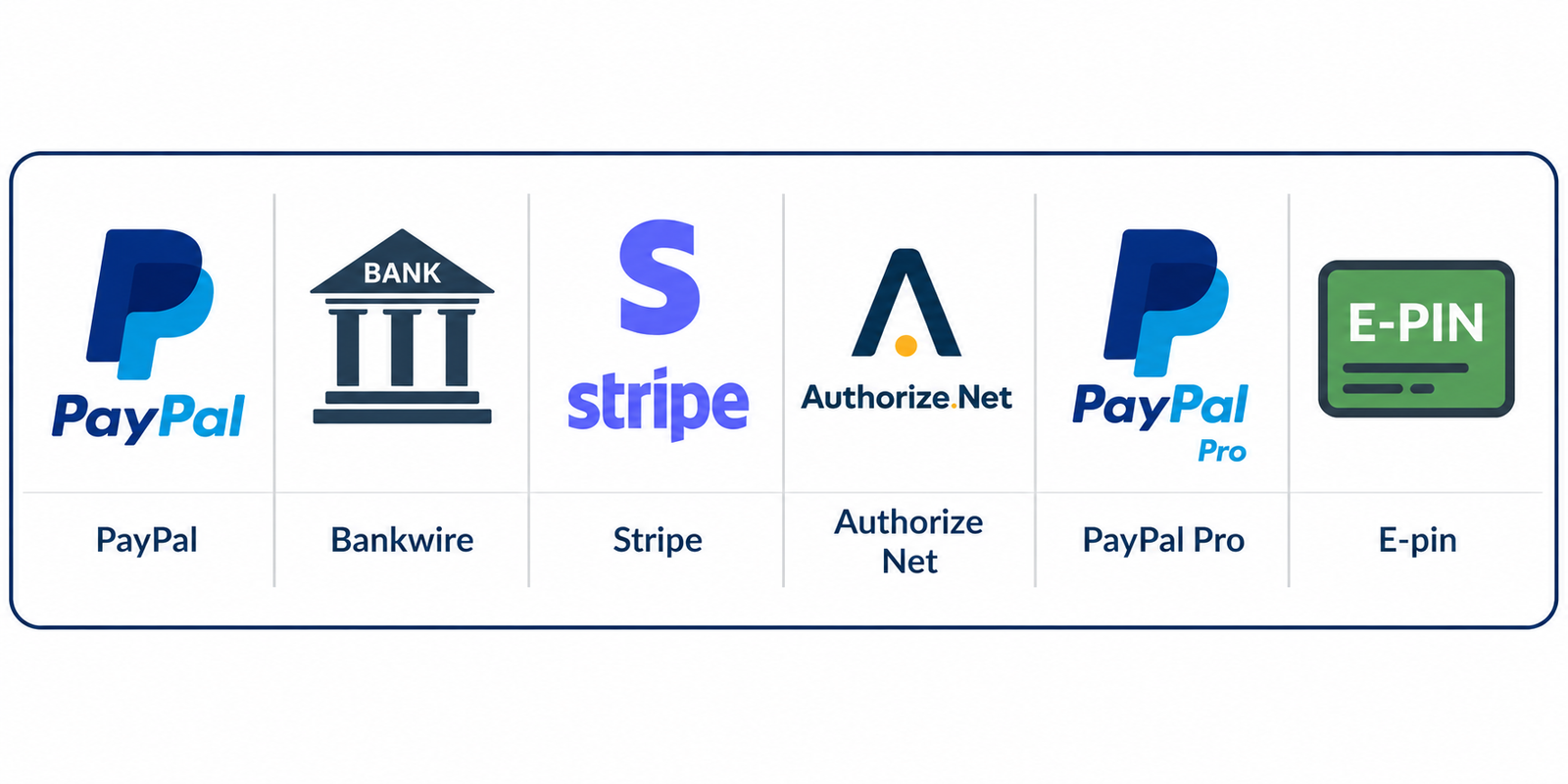
Paypal,Bankwire,Stripe,Authorize Net,Paypal Pro,E-pin