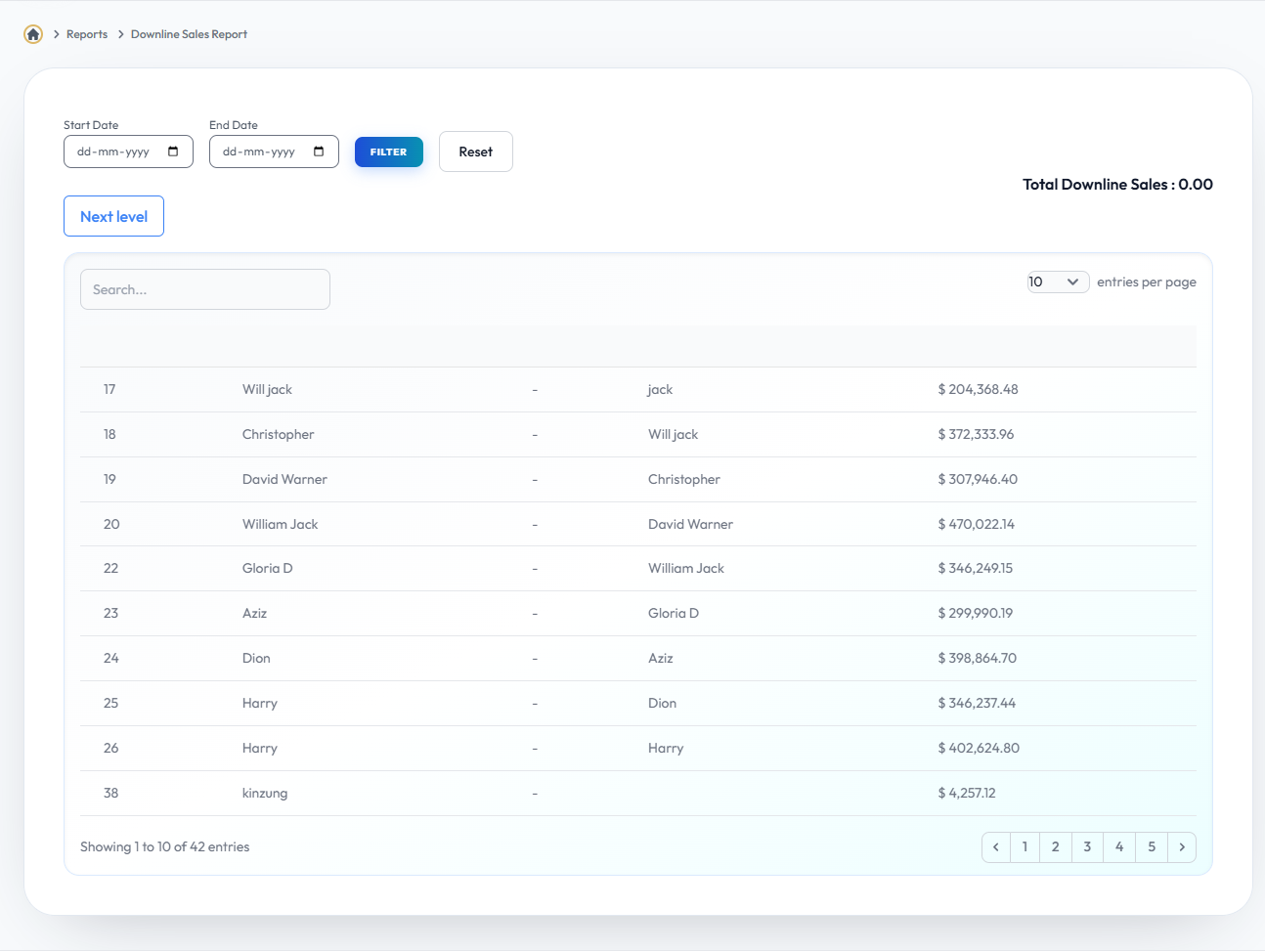
Downline Report
Detailed list of everyone in your network.
Step-by-Step Guide
- Access Downline Data: Navigate to the Downline section from the user dashboard.
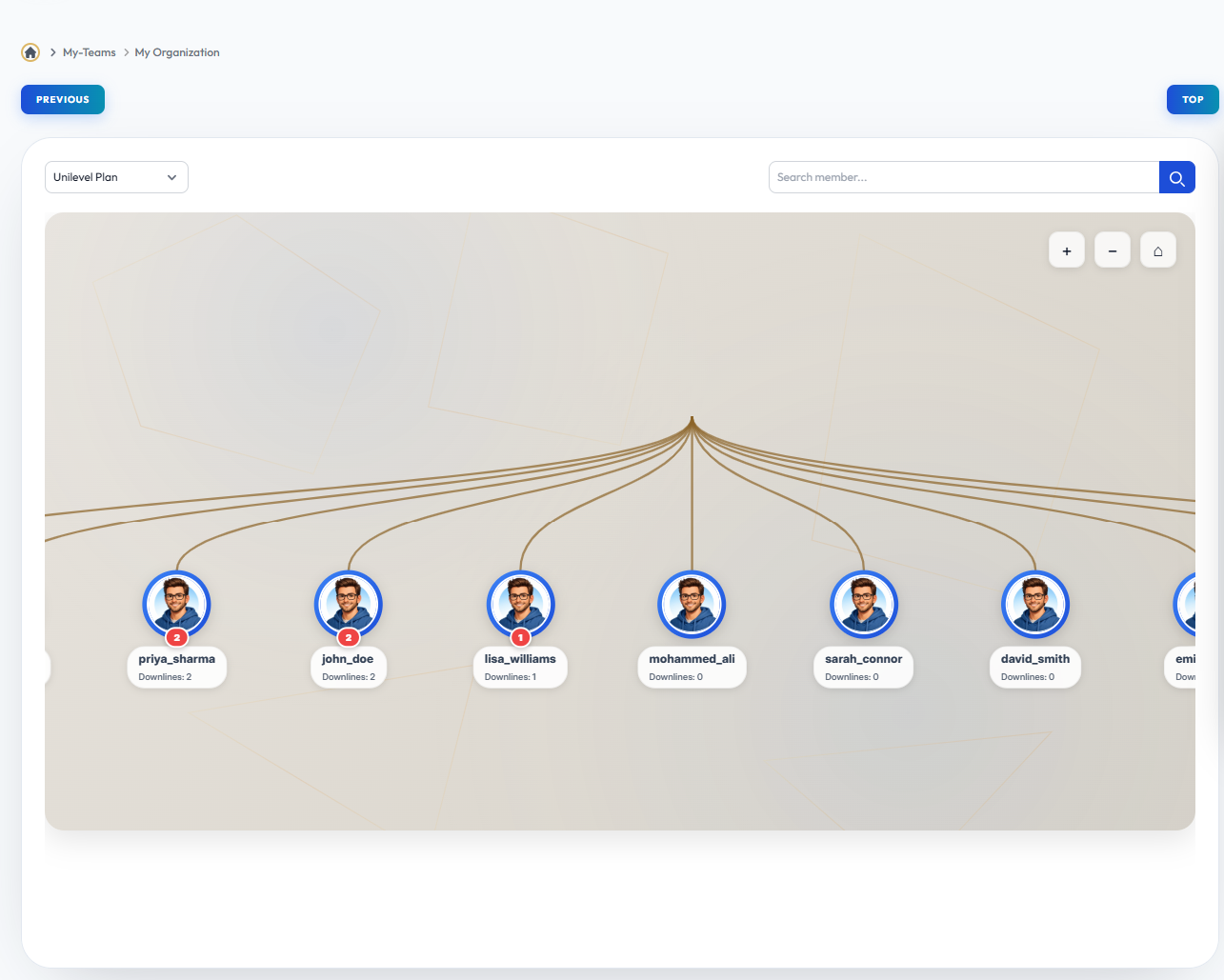
- View Network Structure: The first section displays your genealogy, showing the total count of members across your network levels.
- Analyze Sales Volume: Scroll down to the Downline Sales Report to view detailed sales and PV generated by your team members.
- Track Performance: Use these metrics to identify active downlines and monitor the overall growth of your organization.
Module Interface
This is the visual representation of the Downline Report module from the live environment. Use this interface to configure the rules or view the reports mentioned above.
Module Interface
This is the visual representation of the Downline Report module from the live environment. Use this interface to configure the rules or view the reports mentioned above.