Shop Config
Manage retail products, categories, and inventory.
Step-by-Step Guide
This section explains exactly how Shop Config works, the exact data flow, and any conditions related to it.
How the E-Store Engine Works
The IHookDemo E-Store is dynamically driven by the Admin's Cart Config. The User portal does not have hardcoded products; everything is controlled directly from this engine.
Cart Config Dependency
Whatever you enable in the Cart Config (Categories, Sub-categories, Products) is exactly what will appear in the User's E-Store in real-time.
Point Volume (PV)
Products aren't just for buying; they carry PV. When a user checks out, this PV is instantly routed to their uplines based on Compensation Rules.
Repurchase Logic
If an existing user buys a product, it smartly triggers the 'Repurchase Bonus' (Level Bonus) rather than a Registration Bonus.
Module Walkthrough (Step by Step)
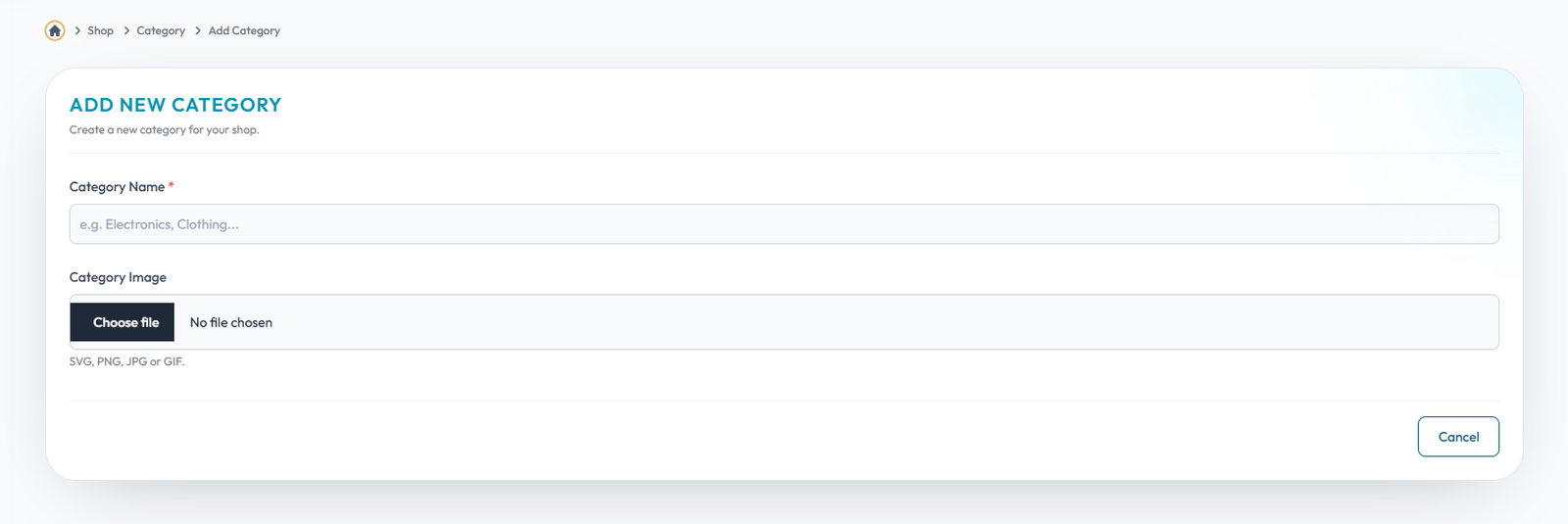
Add Category
Flow Definition
Configure and manage the Add Category settings to customize the platform to your specific business requirements.
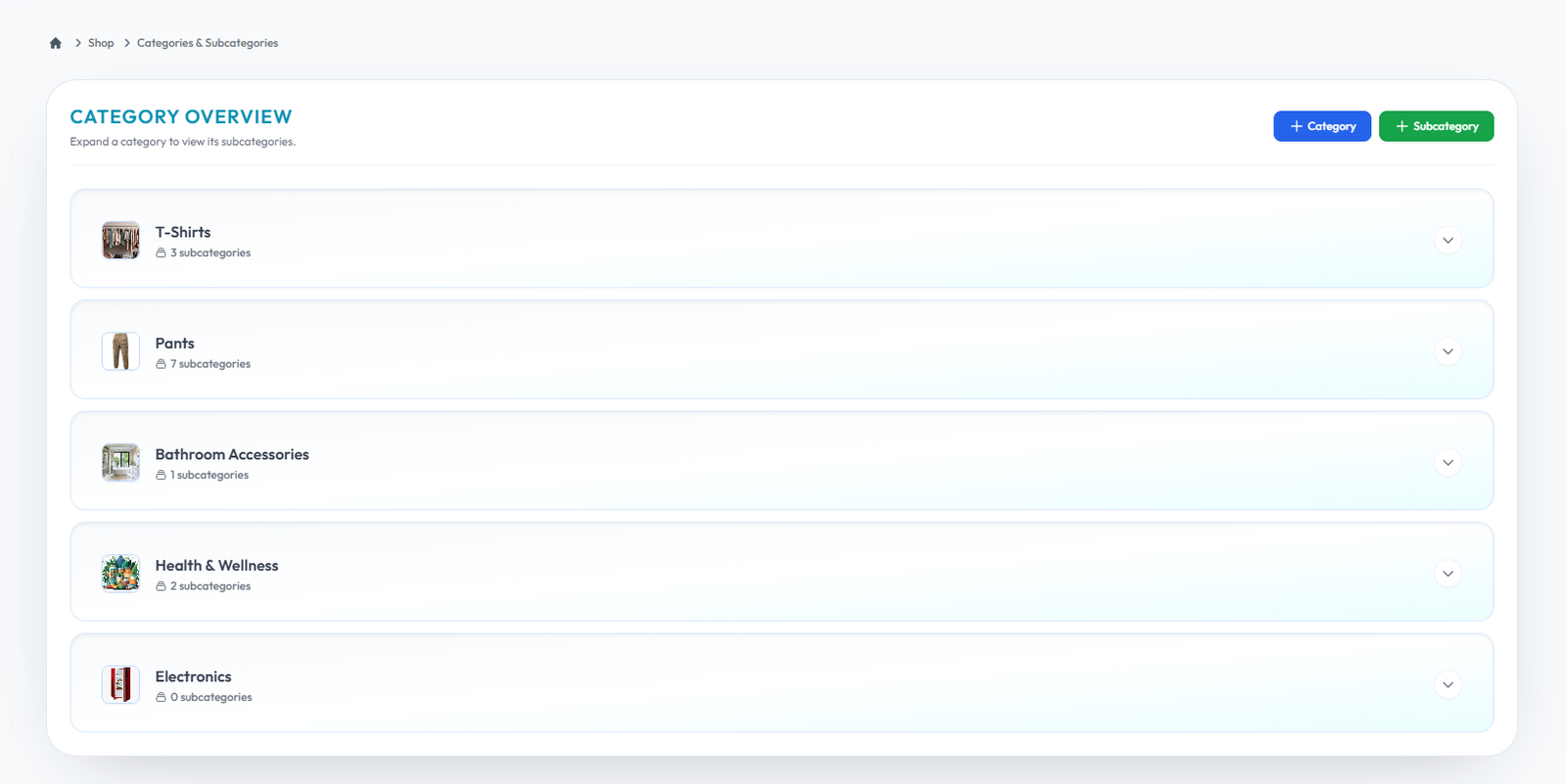
Listcategory
Flow Definition
Configure and manage the Listcategory settings to customize the platform to your specific business requirements.
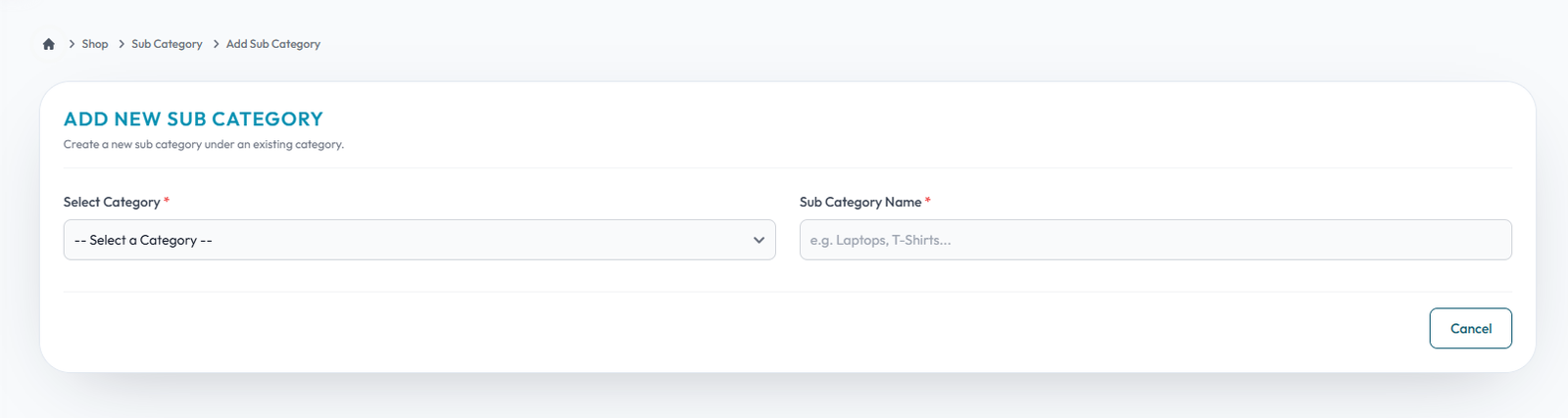
Add Subcategory
Flow Definition
Configure and manage the Add Subcategory settings to customize the platform to your specific business requirements.
Add Product Type
Flow Definition
Configure and manage the Add Product Type settings to customize the platform to your specific business requirements.

List Product Type
Flow Definition
Configure and manage the List Product Type settings to customize the platform to your specific business requirements.

Add Product Subtype
Flow Definition
Configure and manage the Add Product Subtype settings to customize the platform to your specific business requirements.

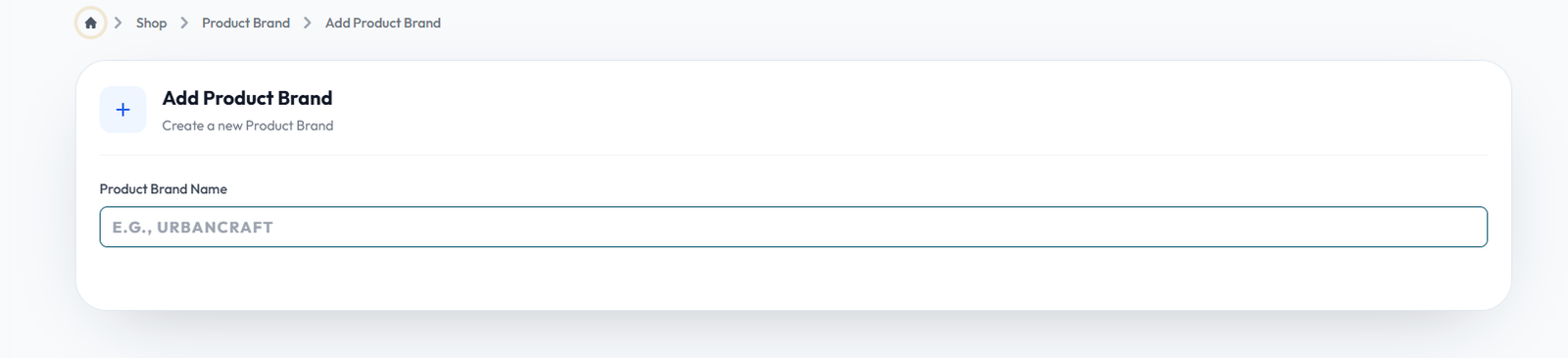
Add Product Brand
Flow Definition
Configure and manage the Add Product Brand settings to customize the platform to your specific business requirements.
Add Product Tag
Flow Definition
Configure and manage the Add Product Tag settings to customize the platform to your specific business requirements.

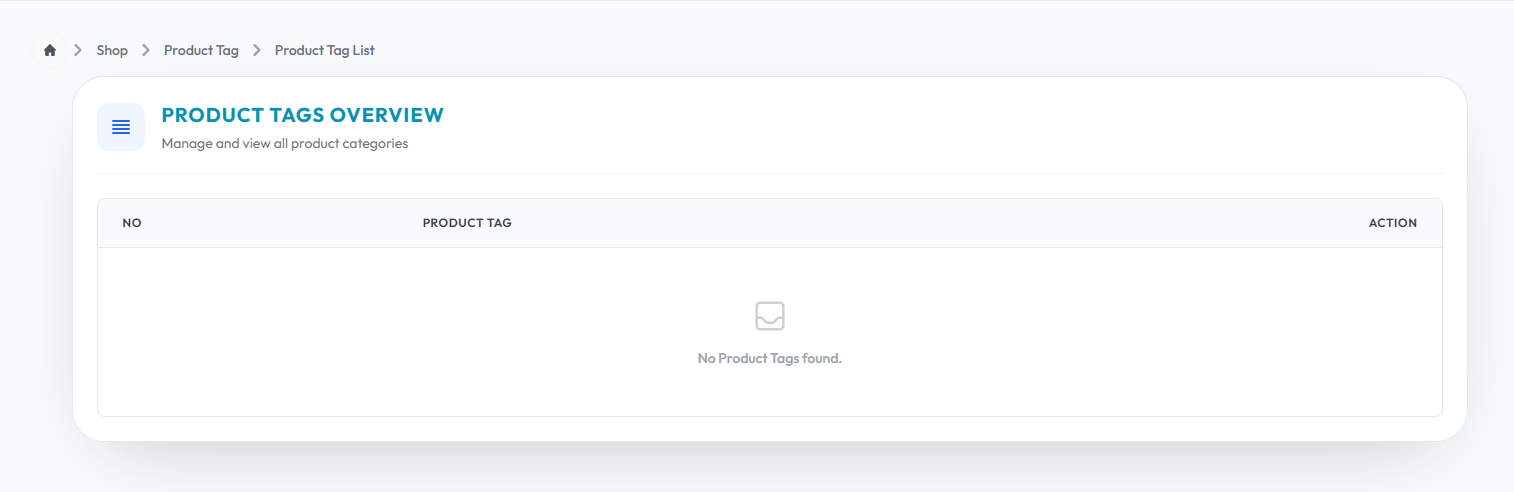
List Product Tgas
Flow Definition
Configure and manage the List Product Tgas settings to customize the platform to your specific business requirements.
Add Product List Type
Flow Definition
Configure and manage the Add Product List Type settings to customize the platform to your specific business requirements.

List Product List Type
Flow Definition
Configure and manage the List Product List Type settings to customize the platform to your specific business requirements.

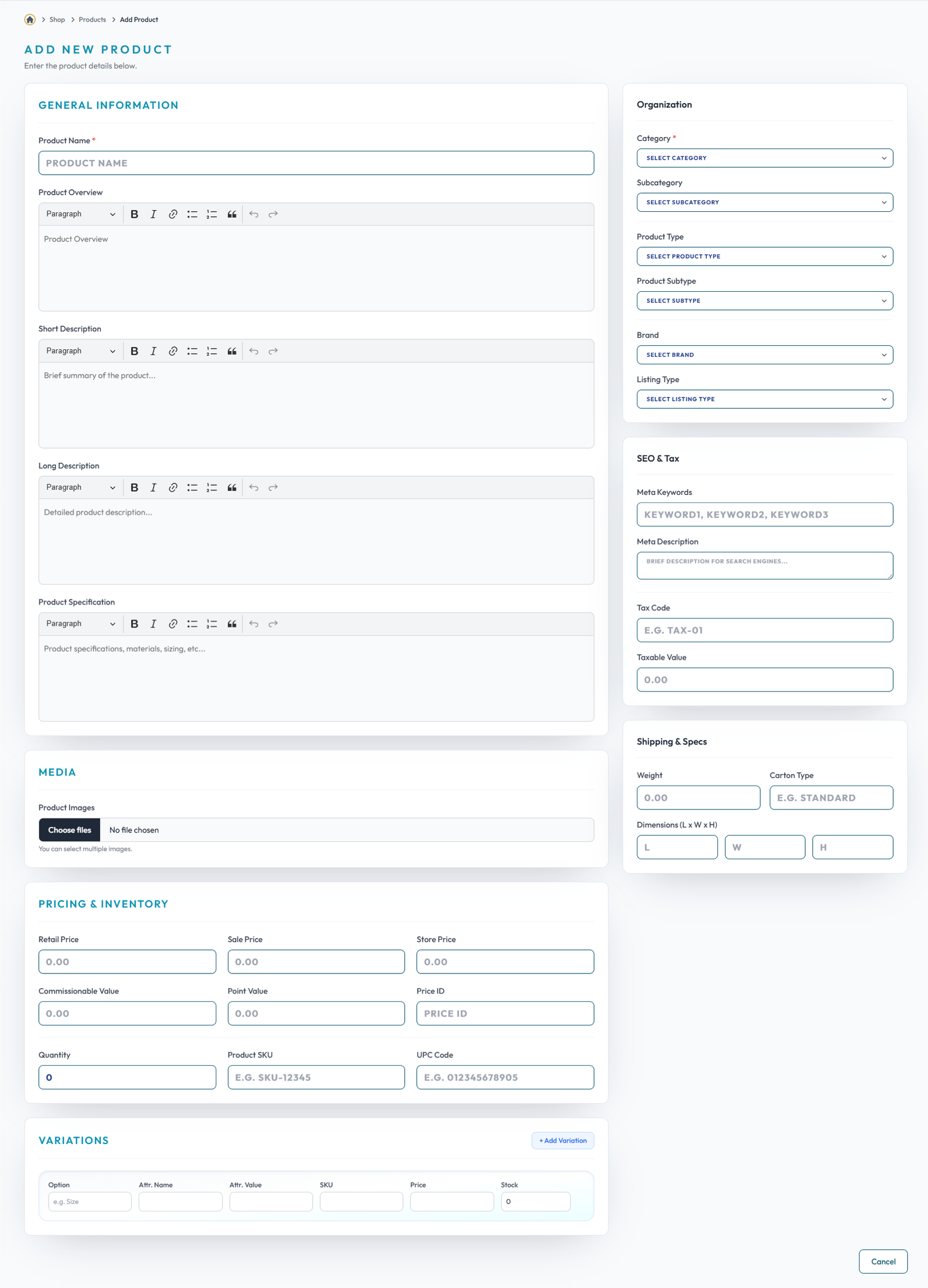
Add Product
Flow Definition
Configure and manage the Add Product settings to customize the platform to your specific business requirements.
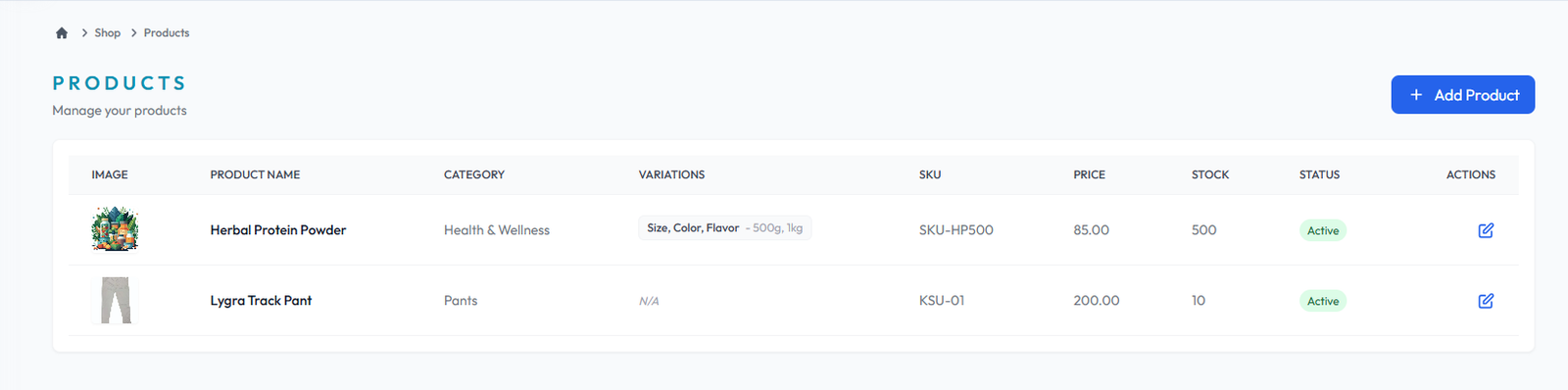
Products
Flow Definition
Configure and manage the Products settings to customize the platform to your specific business requirements.
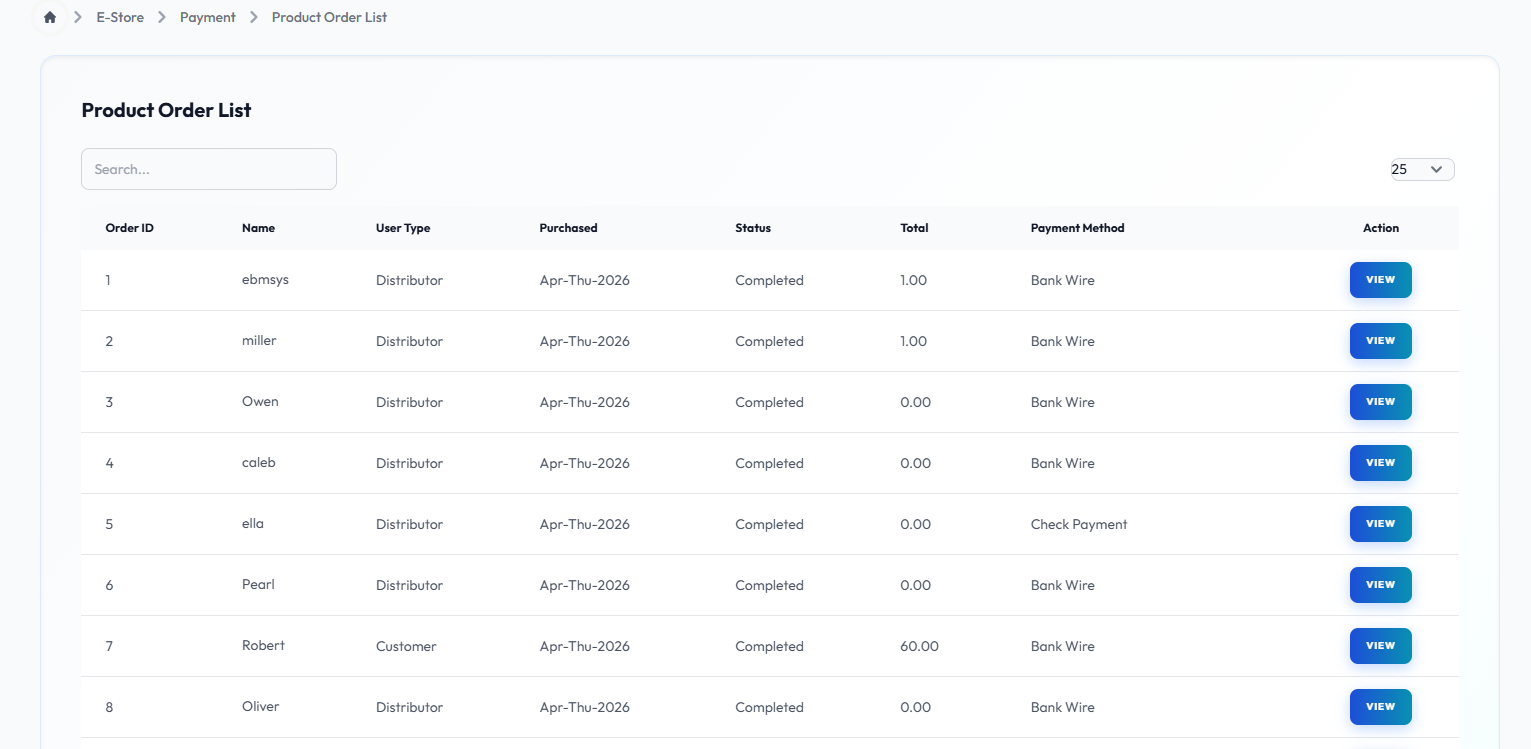
Product Order List
Flow Definition
Configure and manage the Product Order List settings to customize the platform to your specific business requirements.
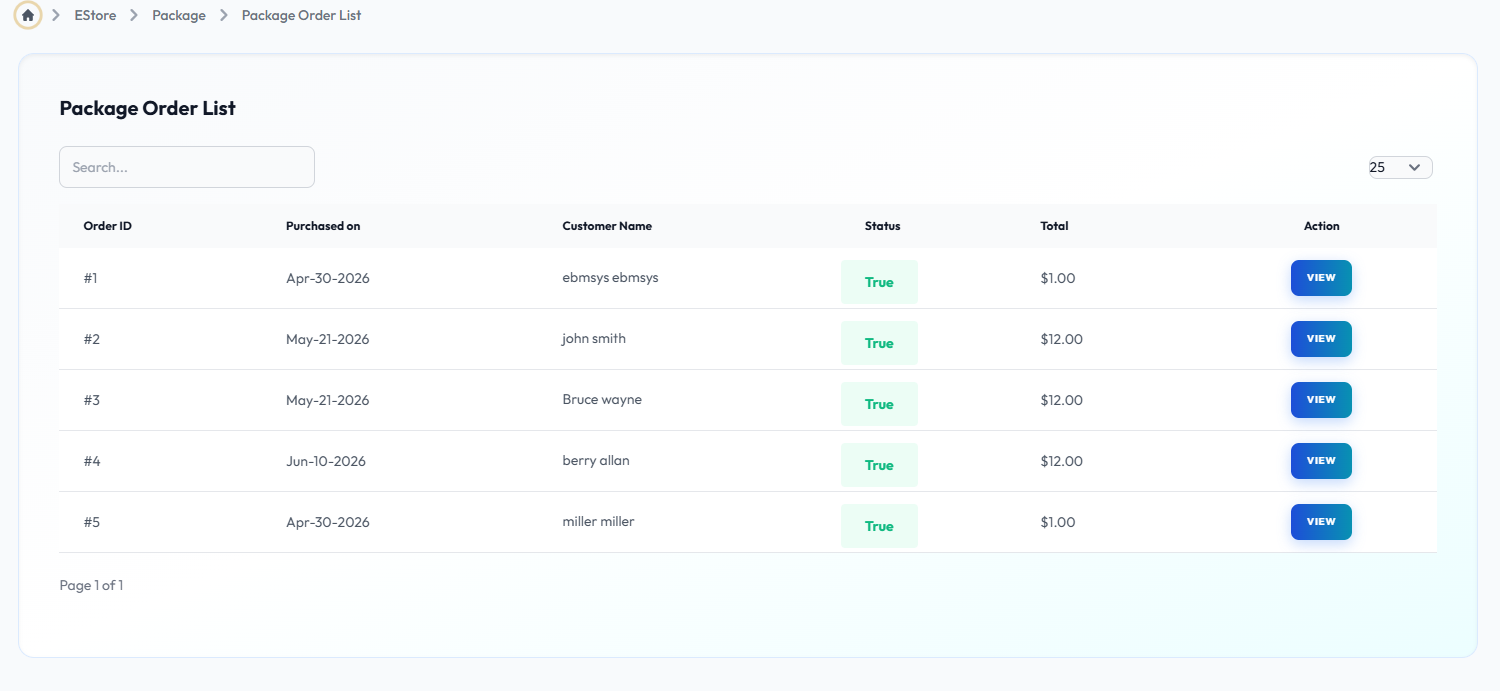
Package Order List
Flow Definition
Configure and manage the Package Order List settings to customize the platform to your specific business requirements.
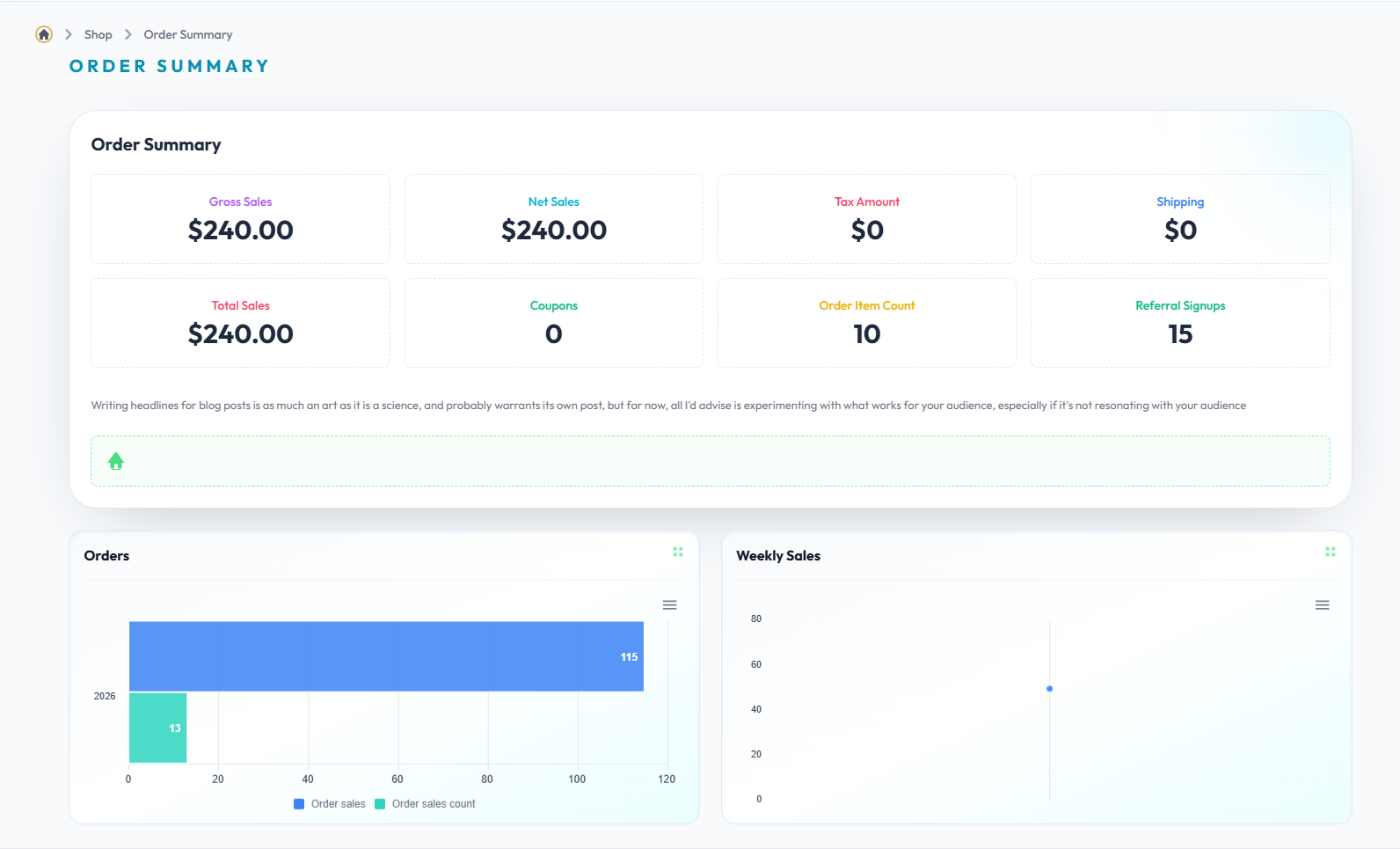
Ordersummary
Flow Definition
Configure and manage the Ordersummary settings to customize the platform to your specific business requirements.
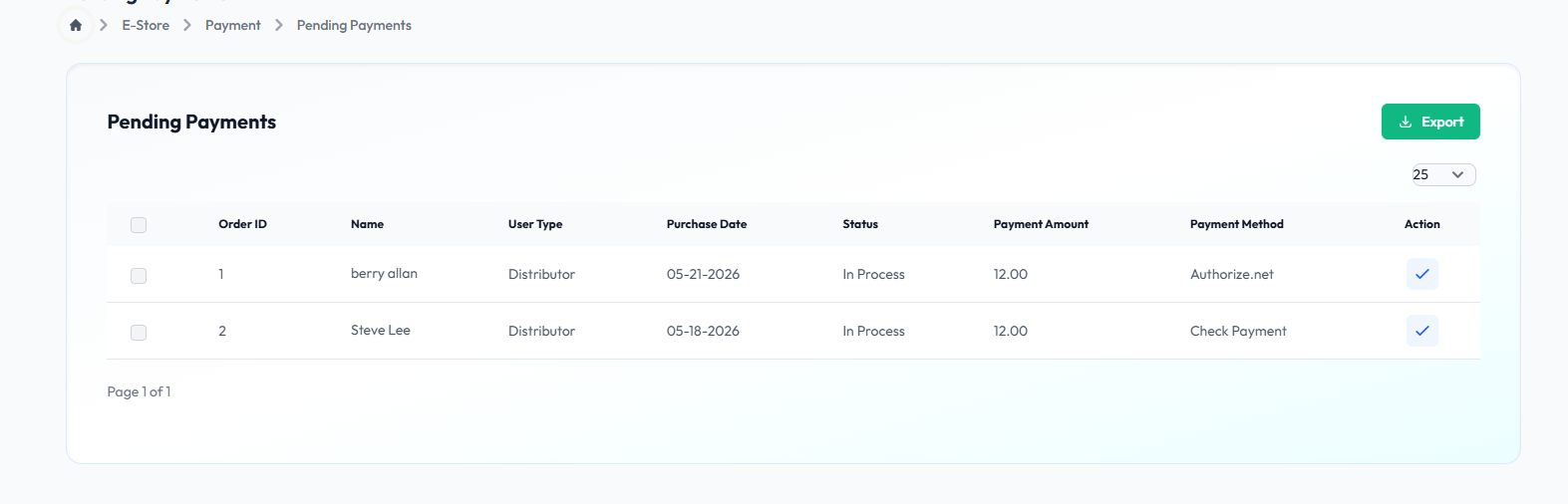
Pending Payment
Flow Definition
Configure and manage the Pending Payment settings to customize the platform to your specific business requirements.
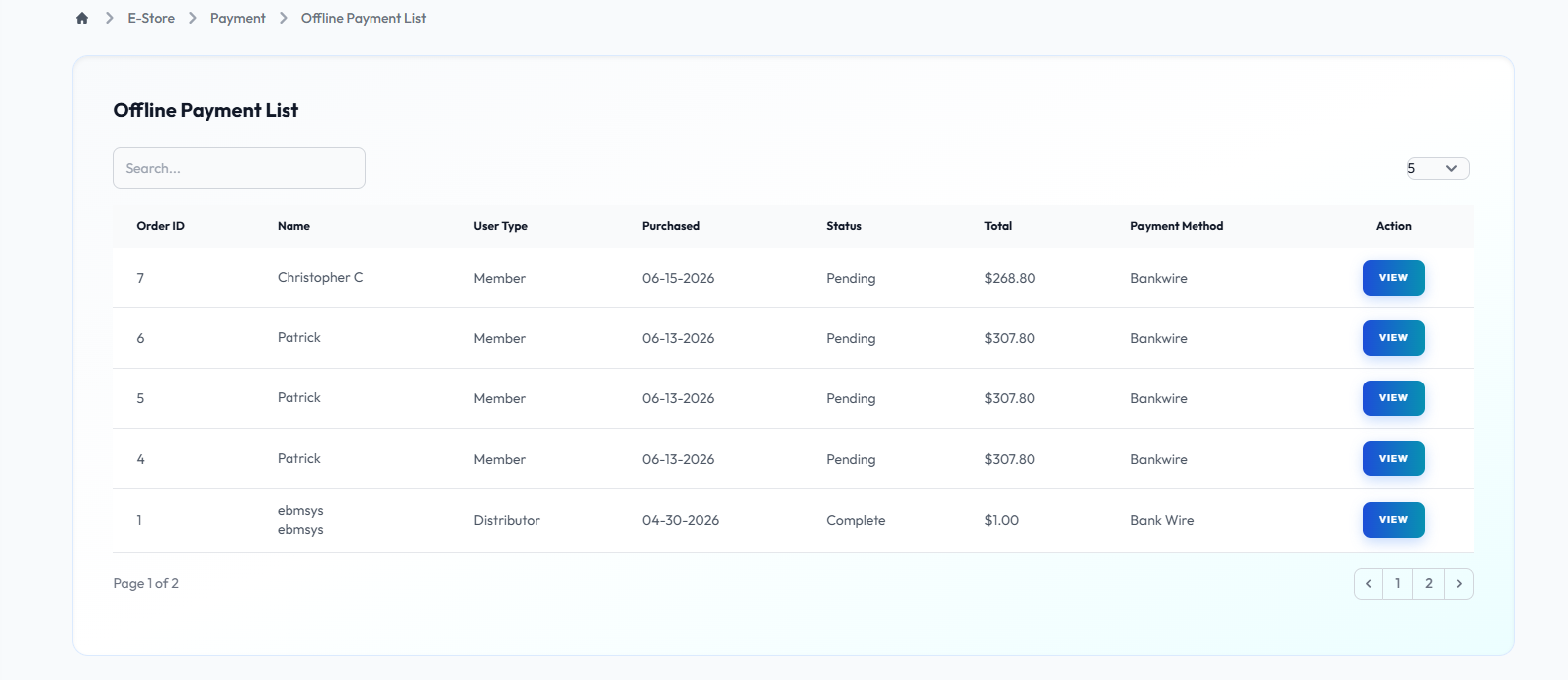
Offline Payment
Flow Definition
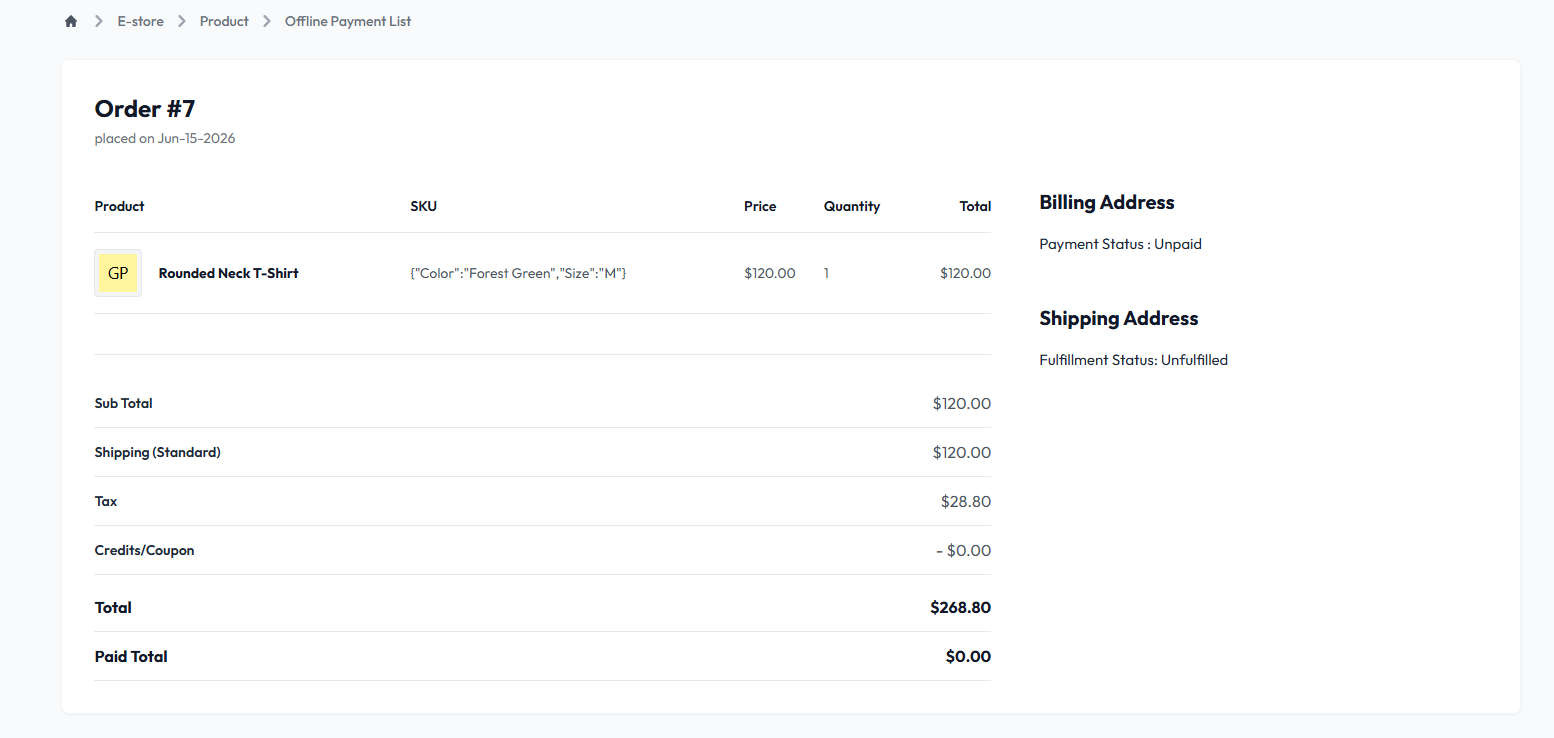
Configure and manage the Offline Payment settings to customize the platform to your specific business requirements.
Offline Payment Details
Flow Definition
Configure and manage the Offline Payment Details settings to customize the platform to your specific business requirements.
Online Payment
Flow Definition
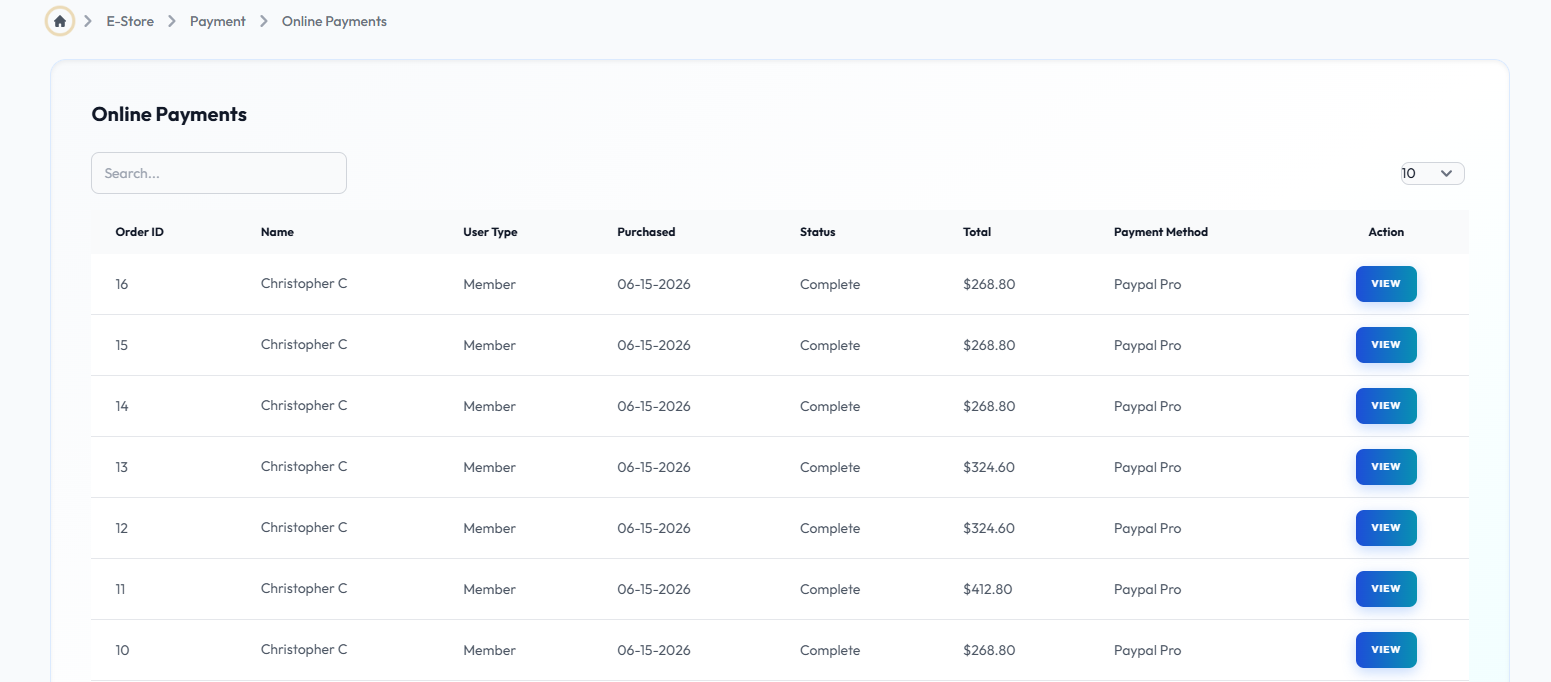
Configure and manage the Online Payment settings to customize the platform to your specific business requirements.
Online Payment Details
Flow Definition
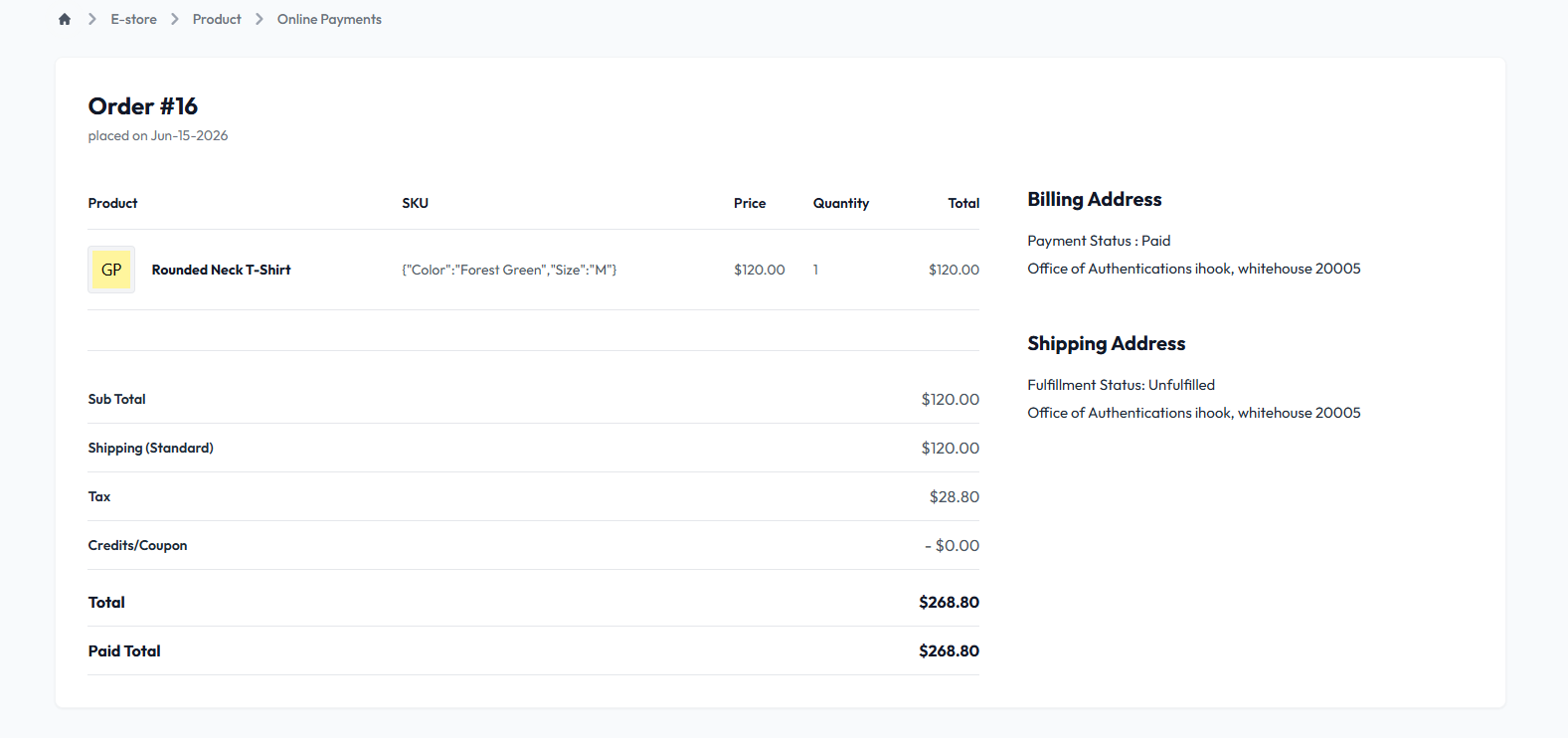
Configure and manage the Online Payment Details settings to customize the platform to your specific business requirements.
Payment List
Flow Definition
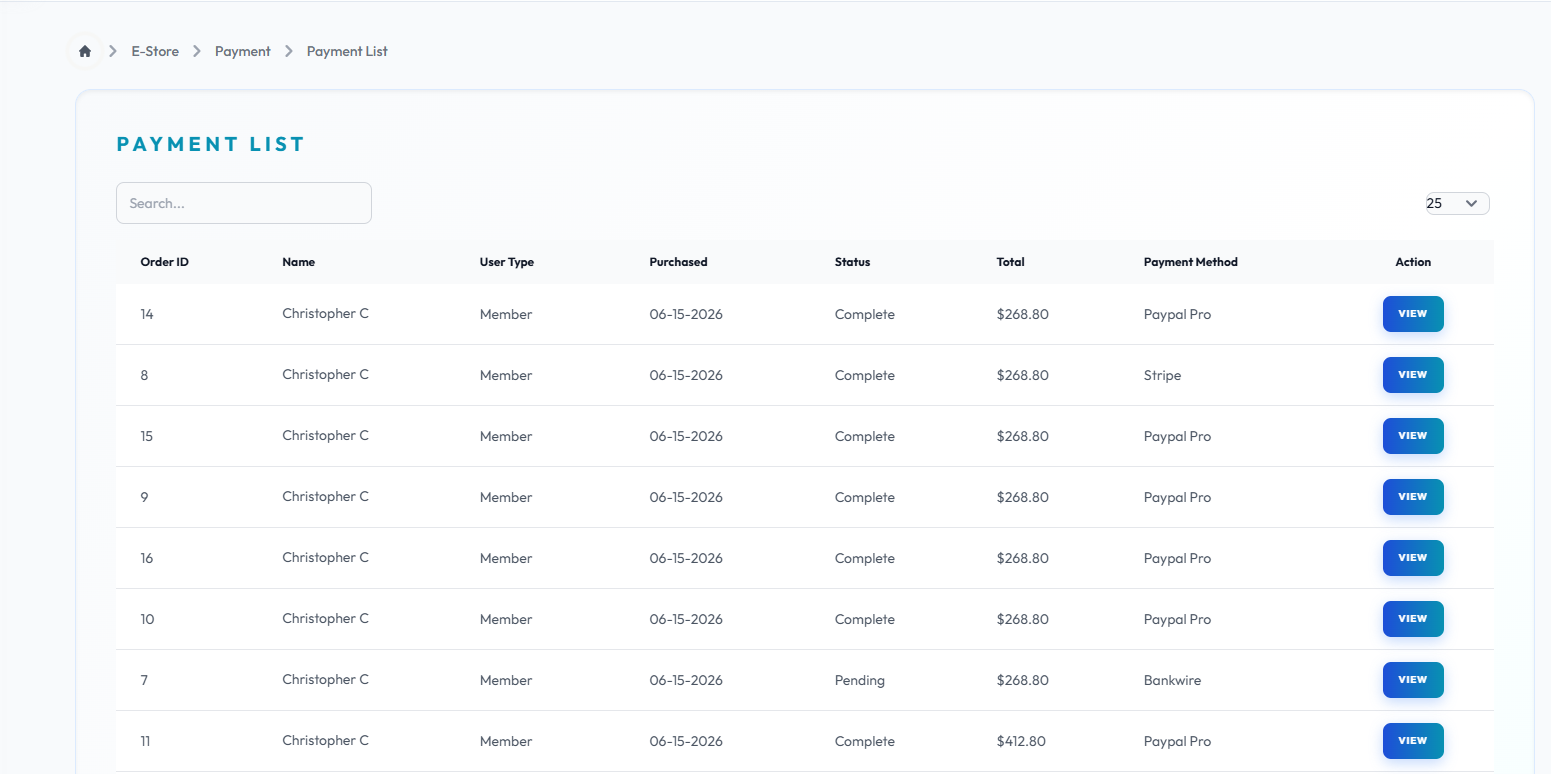
Configure and manage the Payment List settings to customize the platform to your specific business requirements.
Once you have configured the settings on this page, proceed to the next module in the sidebar to continue your setup workflow.