System Settings
Configure global variables, payment gateways, and email templates.
Step-by-Step Guide
This section explains exactly how System Settings works, the exact data flow, and any conditions related to it.
System Settings will work only for Admin user role only.
System Banners
Login Banners
Flow Definition
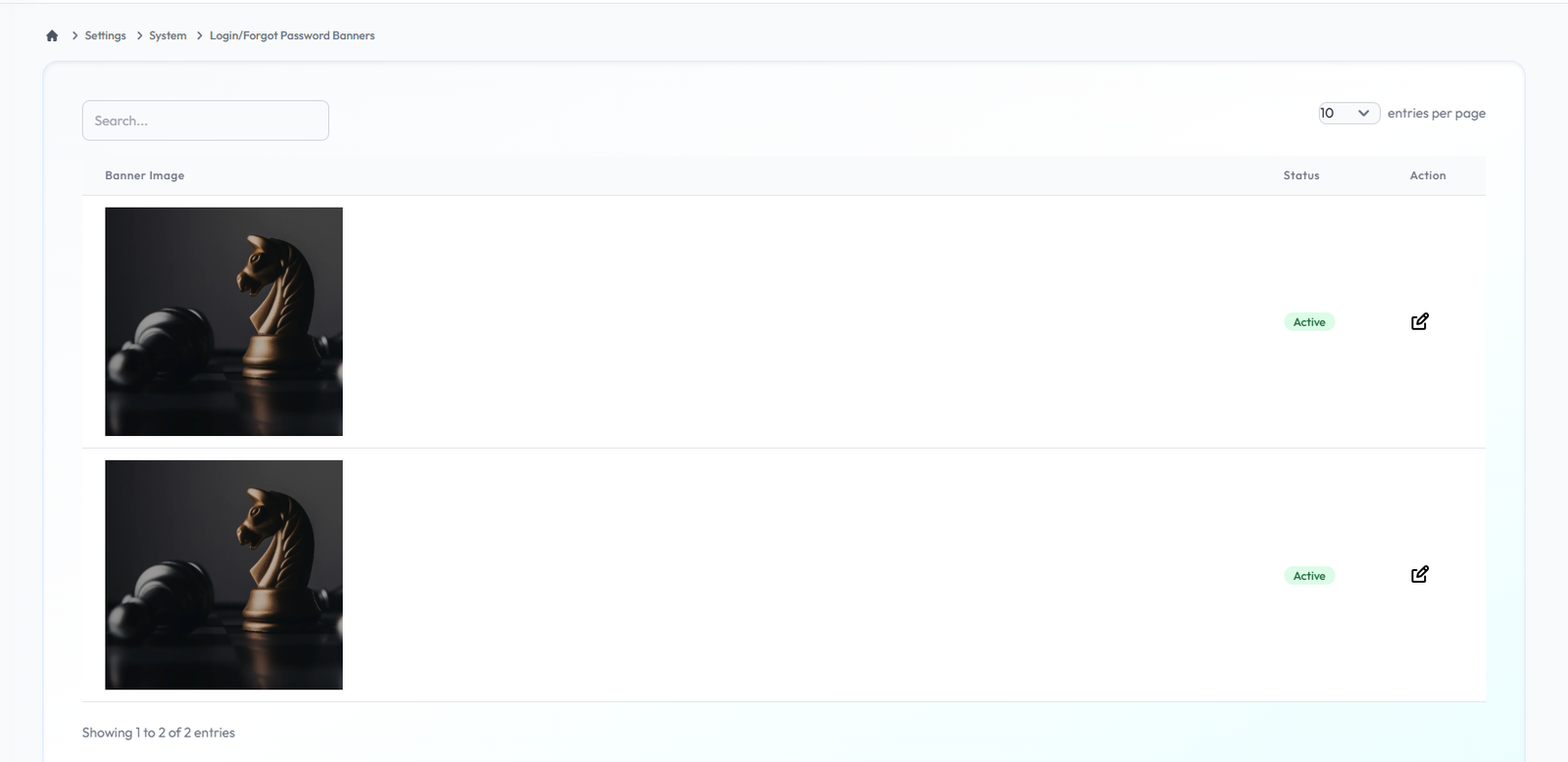
This section allows administrators to view the current banners displayed on the login page. These visual assets help in branding the entry point for users.
Edit Login Banners
Flow Definition
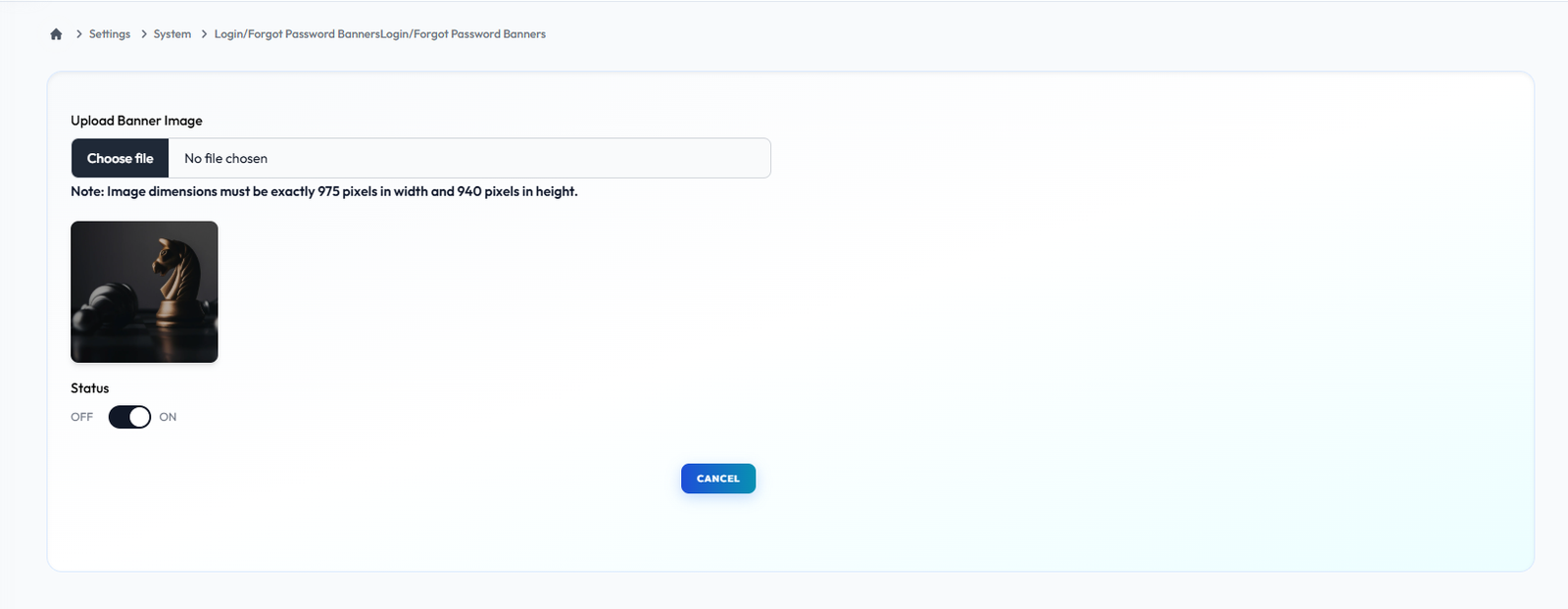
Customize the login experience by updating or replacing the login page banners. Upload new imagery to keep the interface fresh and aligned with current marketing campaigns.
Registers Banners
Flow Definition
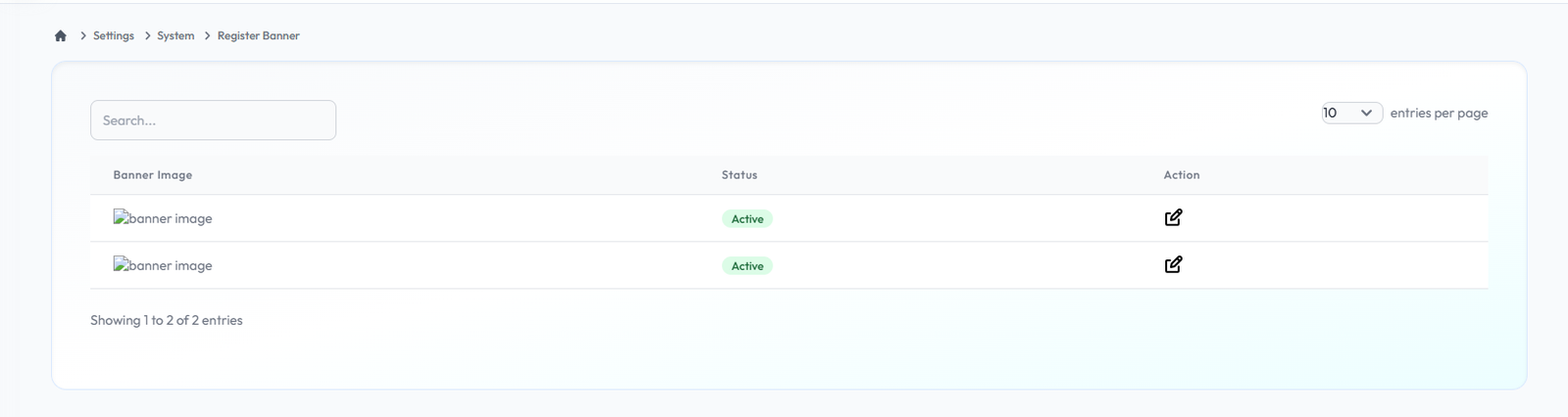
Similar to the login page, this section allows you to manage the banners displayed during the user registration process, ensuring a consistent and engaging onboarding experience.
Edit Register Banners
Flow Definition
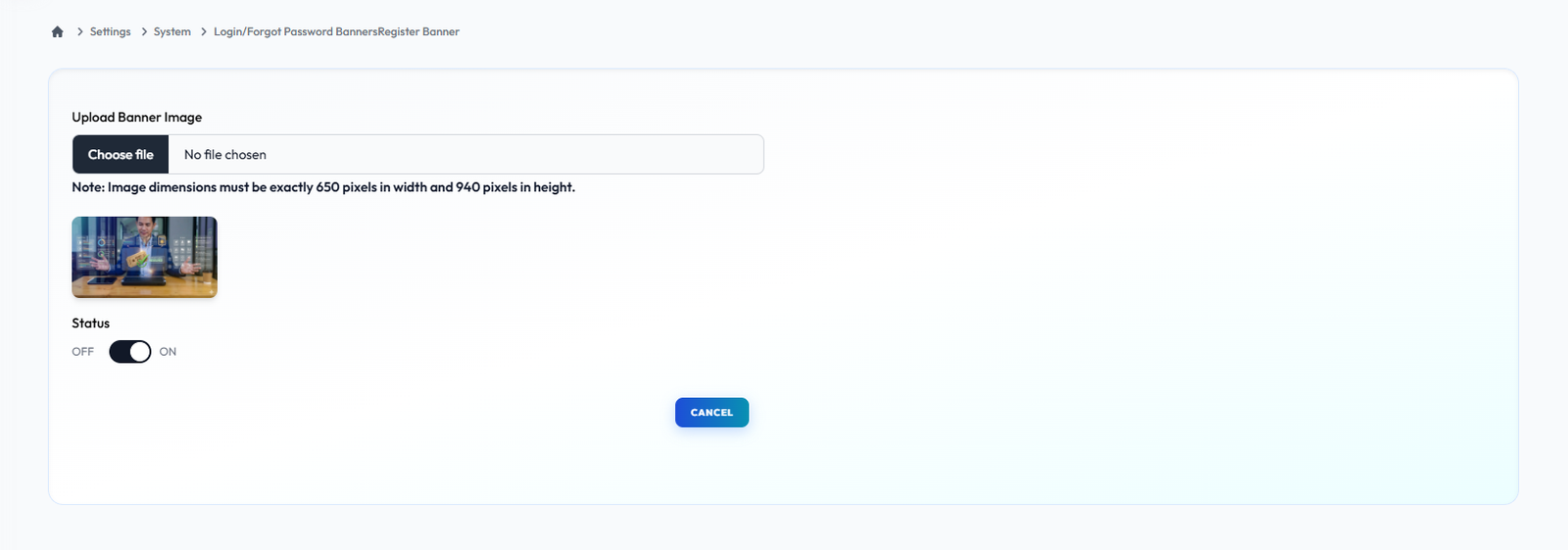
Customize the login experience by updating or replacing the login page banners. Upload new imagery to keep the interface fresh and aligned with current marketing campaigns.
Personalization
Registration Fields
Flow Definition
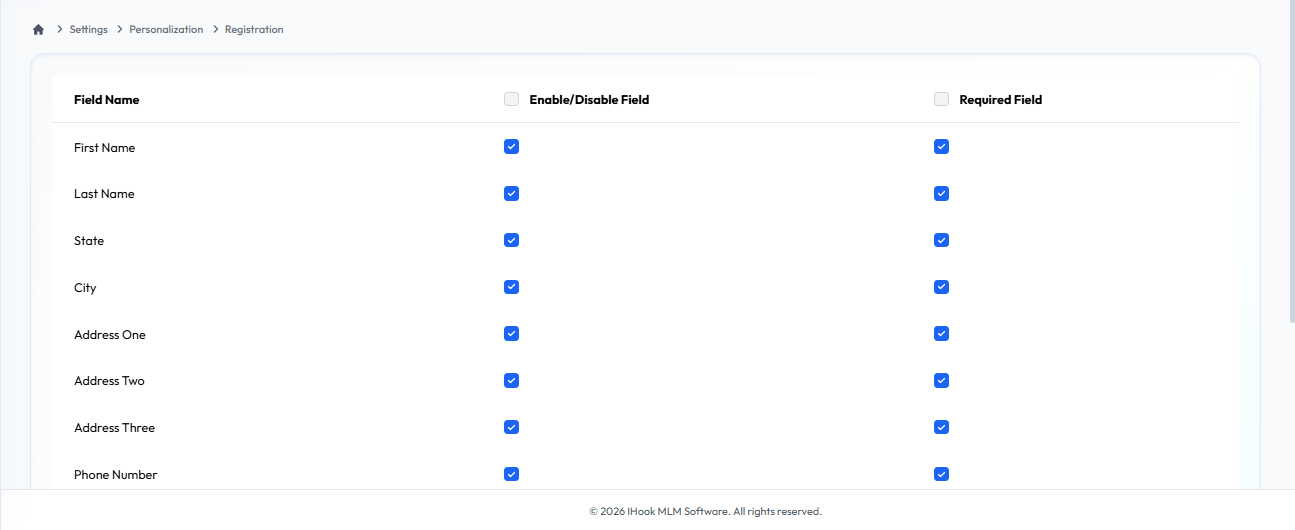
This module allows administrators to seamlessly manage the user registration experience. You can dynamically control the sign-up form by enabling or disabling specific input fields, as well as enforcing data collection by marking individual fields as mandatory or optional.
User Dashboard
Flow Definition
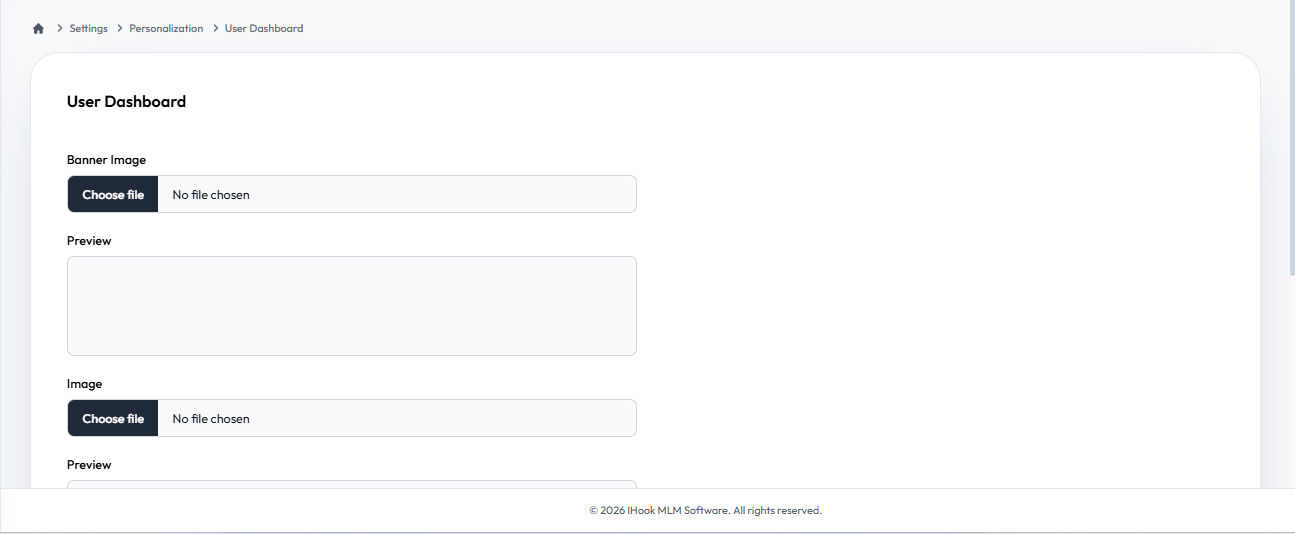
Personalize the core user interface by customizing the layout and modules available on the User Dashboard. Toggle specific widgets to tailor the experience for your network.
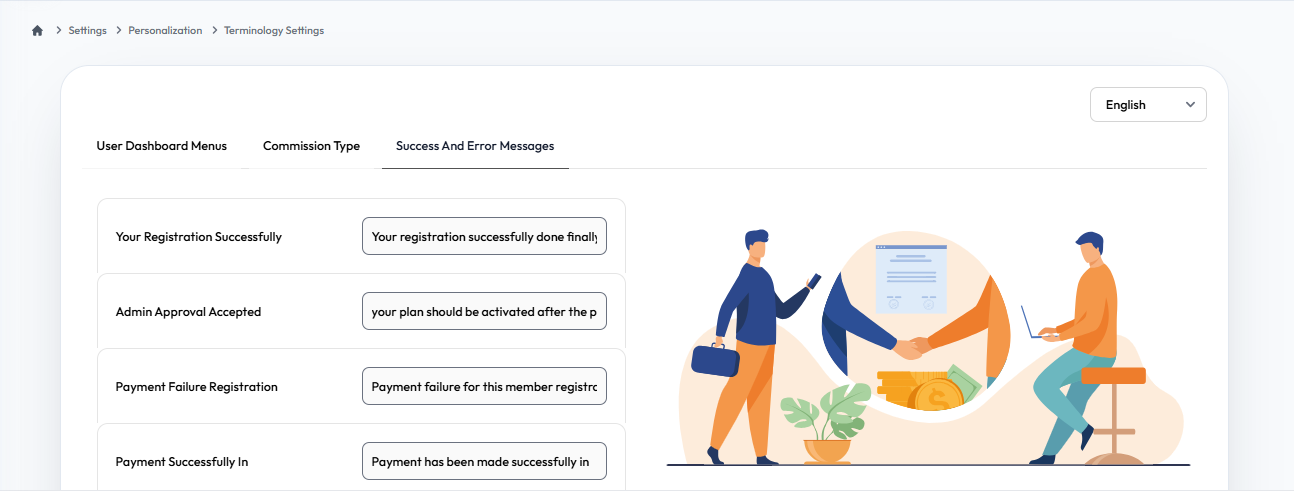
Terminology Settings
Flow Definition
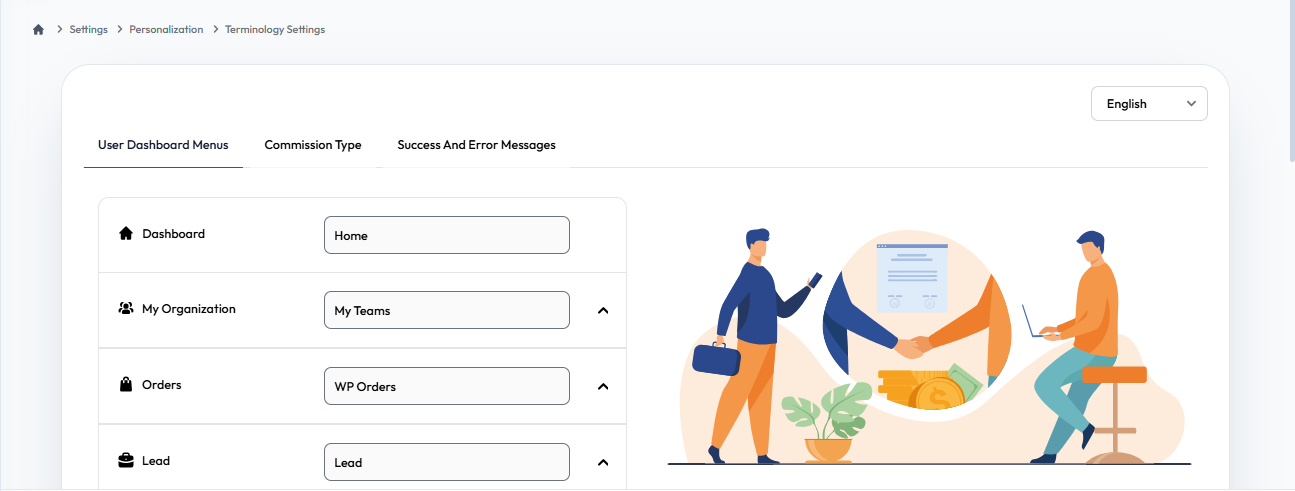
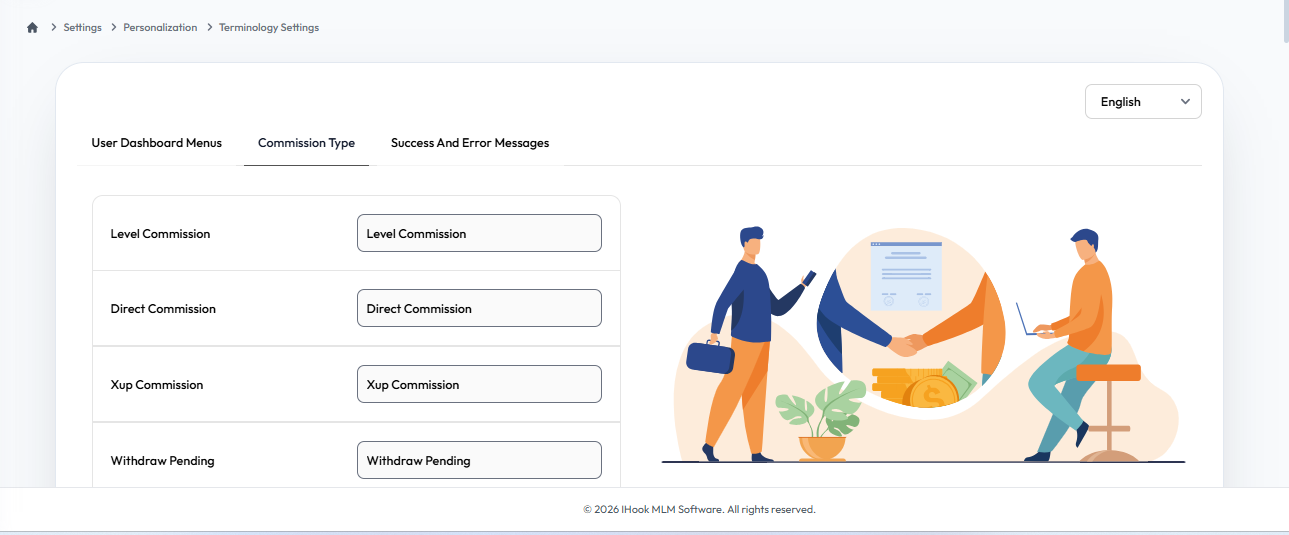
Adapt the platform's language to fit your specific business model. Modify menu tabs, commission types, and system messages to reflect your organization's unique terminology and branding.
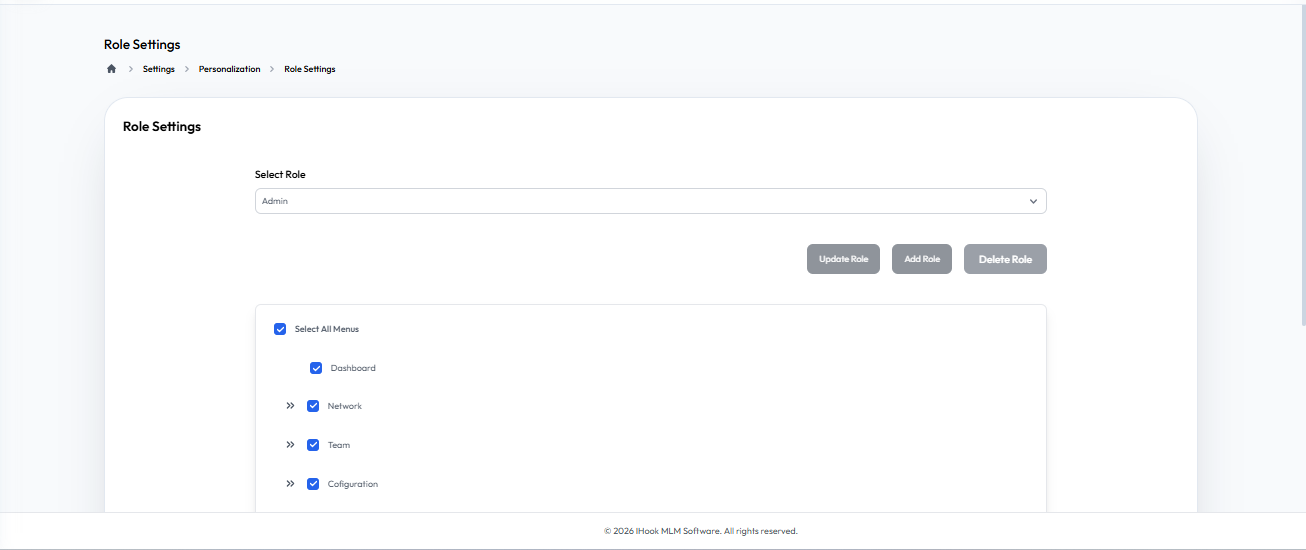
Role Settings
Flow Definition
Configure access controls and permissions for different user roles within the system. Ensure that staff and distributors only have access to the features relevant to their position.
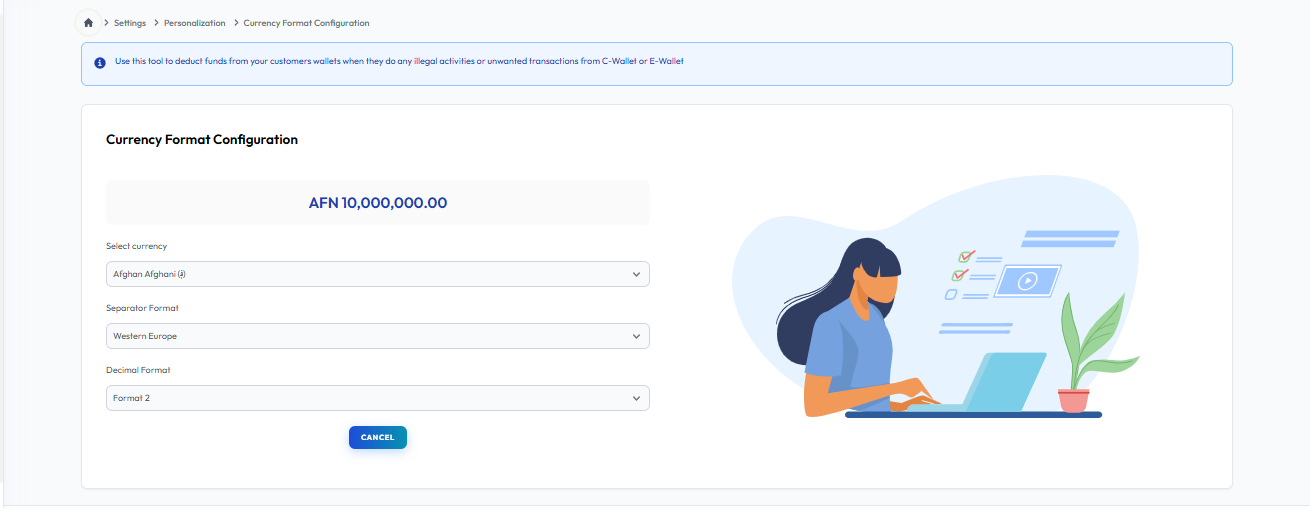
Currency Format Configuration
Flow Definition
Establish the global currency settings for the platform. Define formatting rules such as currency symbols, decimal places, and alignment to ensure accurate financial displays across all modules.
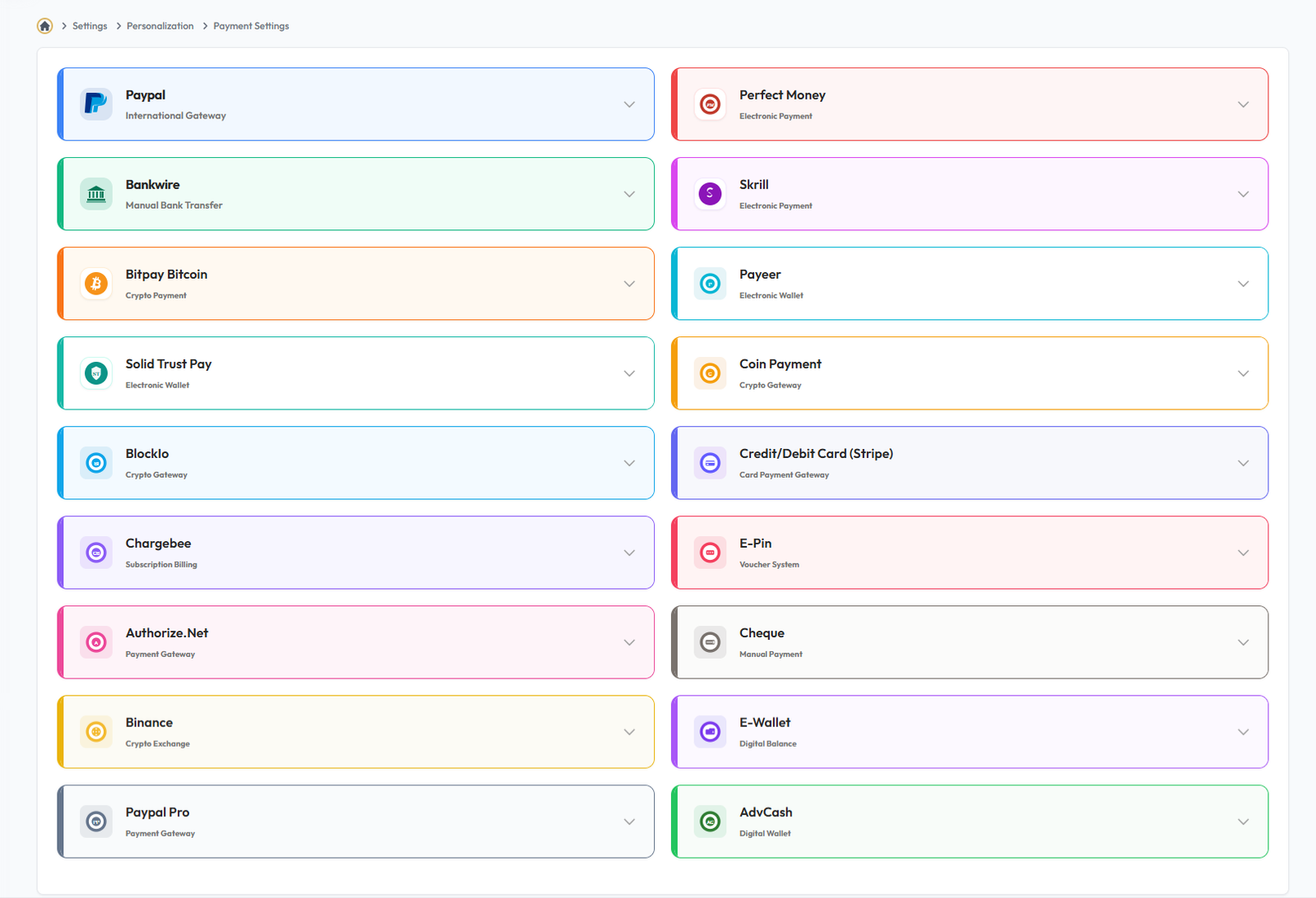
Payment
Payment Settings
Flow Definition
Configure secure payment gateways and define accepted transaction methods. This module allows you to set up API keys, manage transaction fees, and ensure seamless financial operations across the platform.
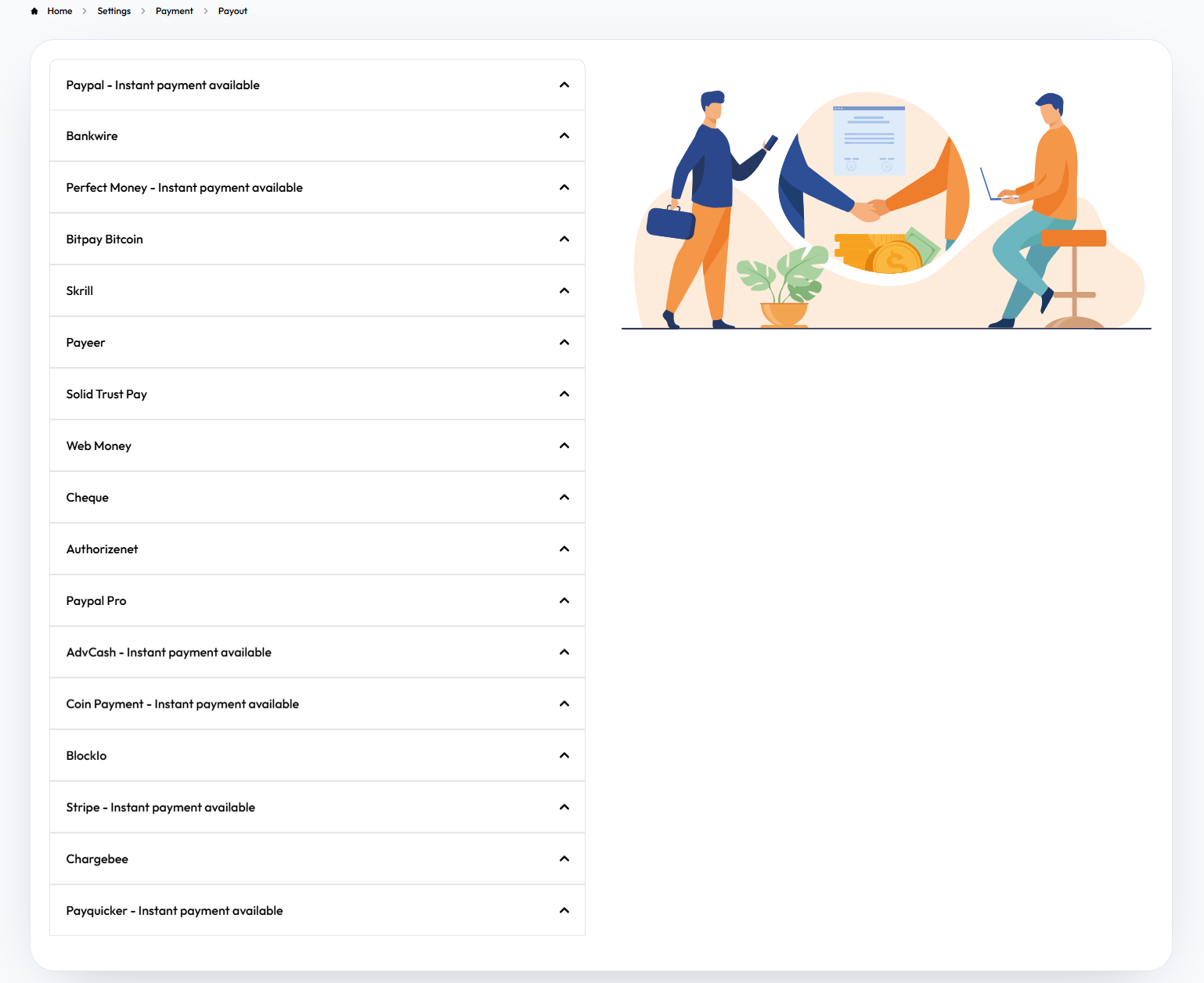
Payout
Flow Definition
Establish guidelines and methods for distributor earnings withdrawals. You can configure minimum withdrawal limits, approve payout channels (e.g., bank transfer, crypto), and manage payout schedules to streamline commissions processing.
Notification
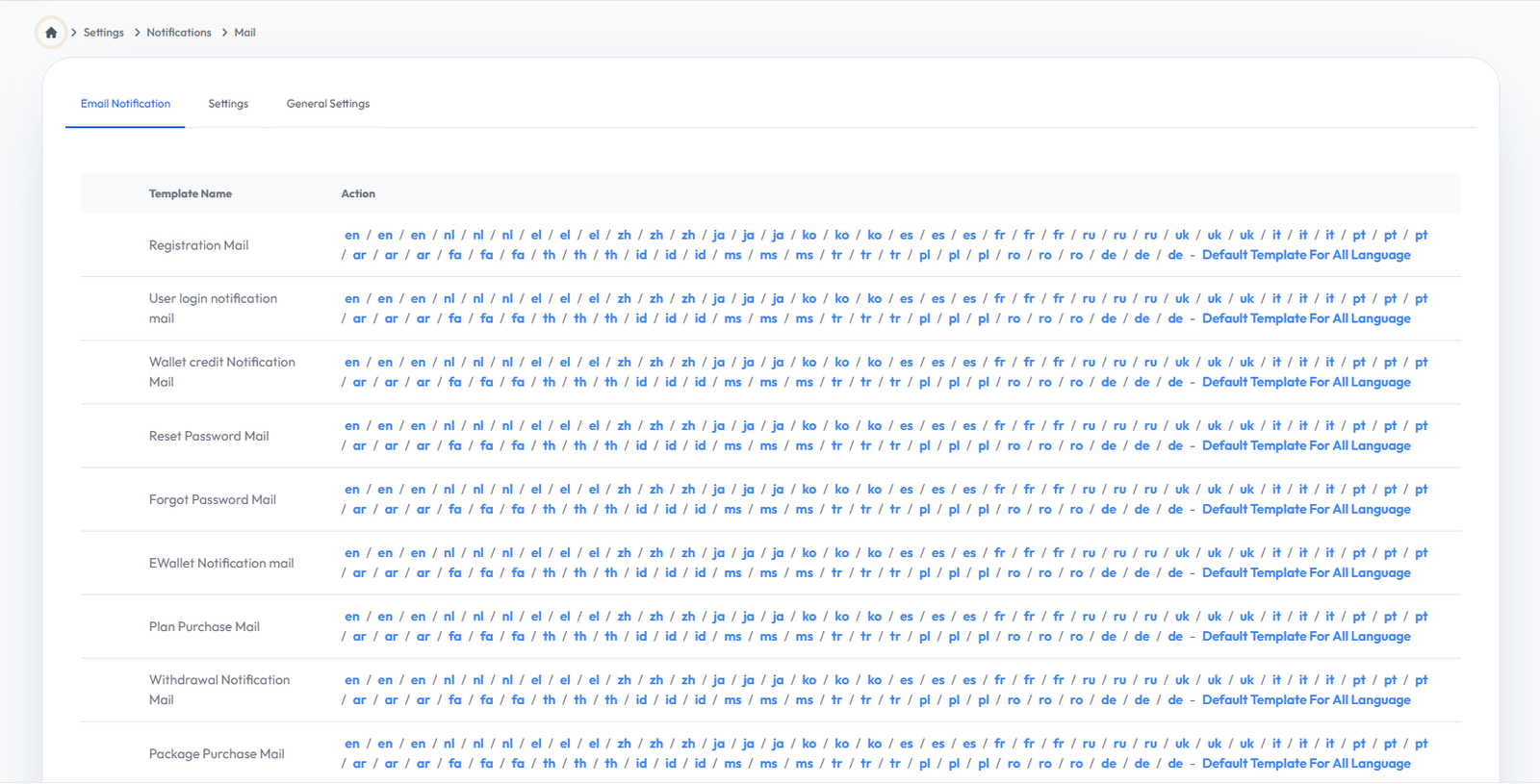
Mail Settings
Flow Definition
Manage email server configurations and templates. Set up SMTP details to ensure reliable delivery of system notifications, password resets, and promotional emails to users.
Master
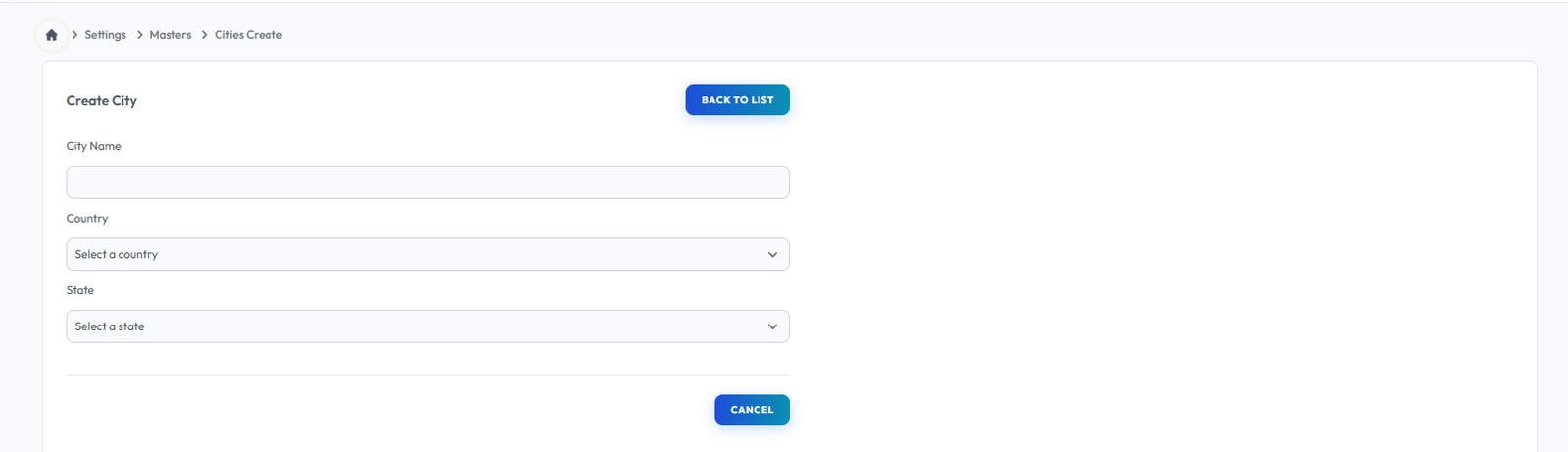
City
Flow Definition
This form is used to add cities dynamically to the system. Once added, these cities become reusable and will automatically populate dropdowns anywhere city selection is required across the platform.
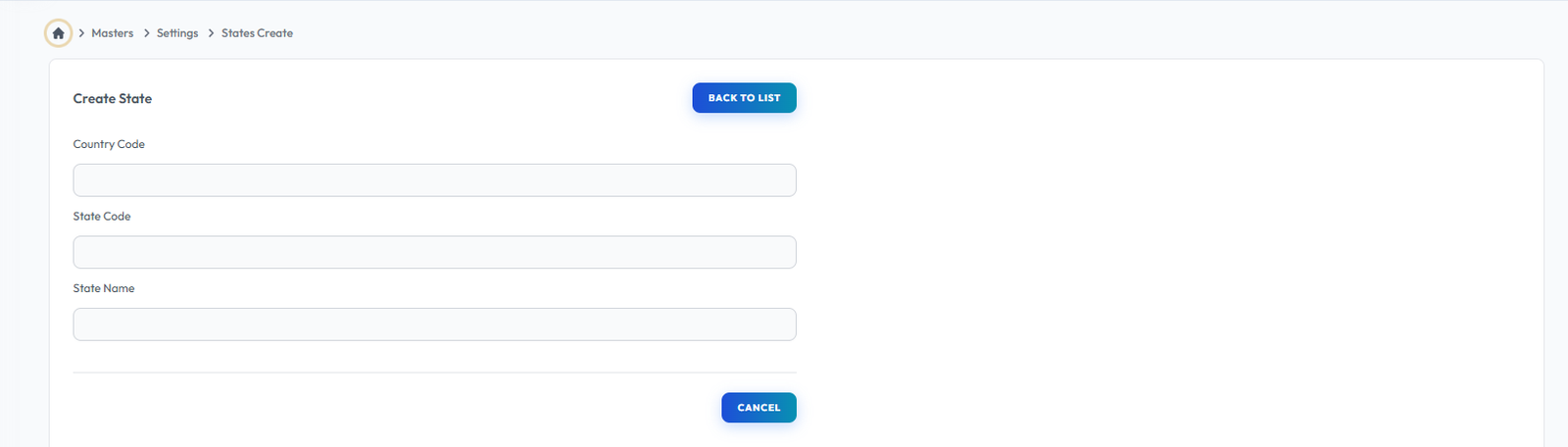
State
Flow Definition
This form is used to add states dynamically to the system. Once added, these states become reusable and will automatically populate dropdowns anywhere state selection is required across the platform.
Country
Flow Definition
This form is used to add countries dynamically to the system. Once added, these countries become reusable and will automatically populate dropdowns anywhere country selection is required across the platform.

Cart Configuration
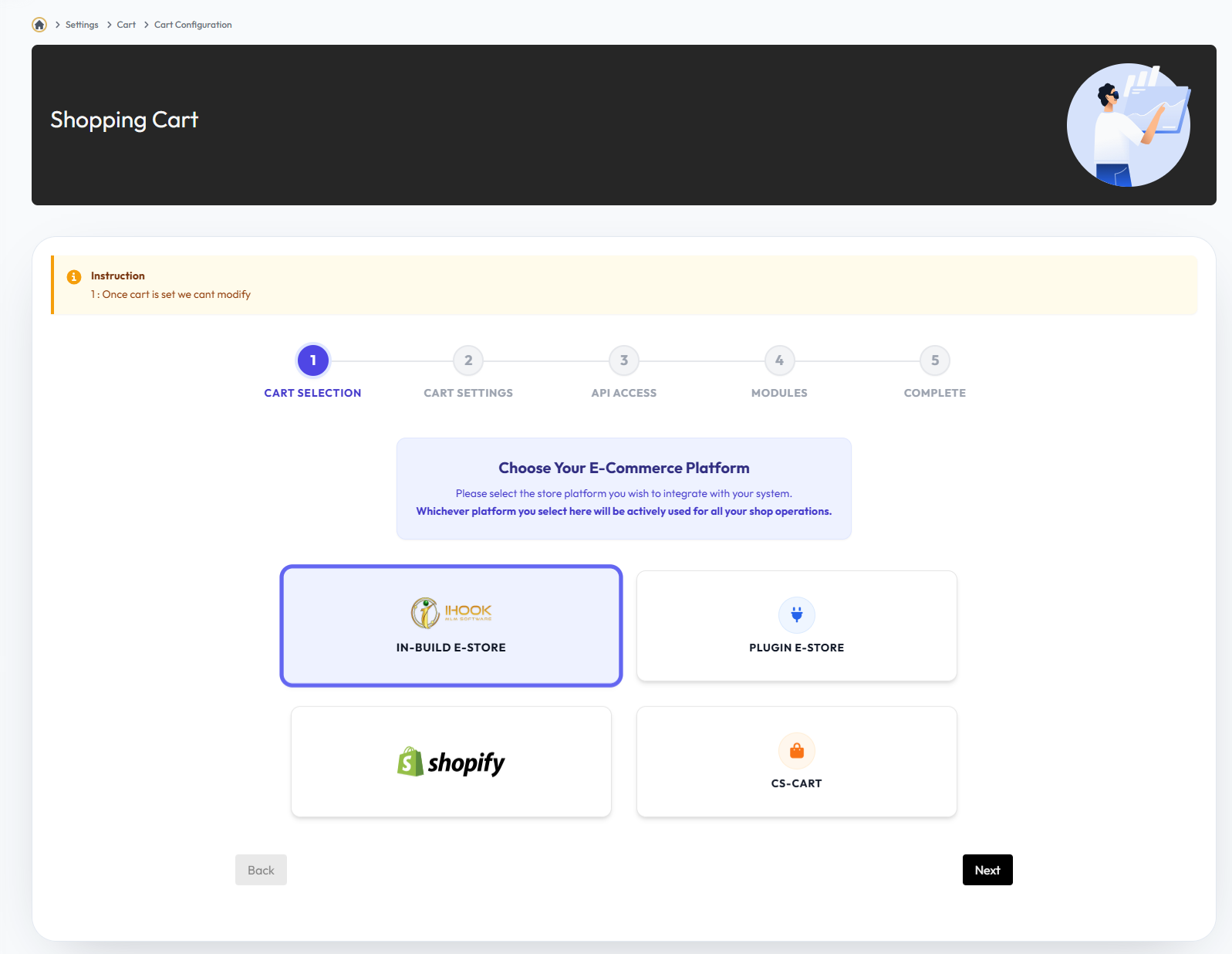
Cart Selection
Flow Definition
Choose and configure the shopping cart system to be integrated into the platform.
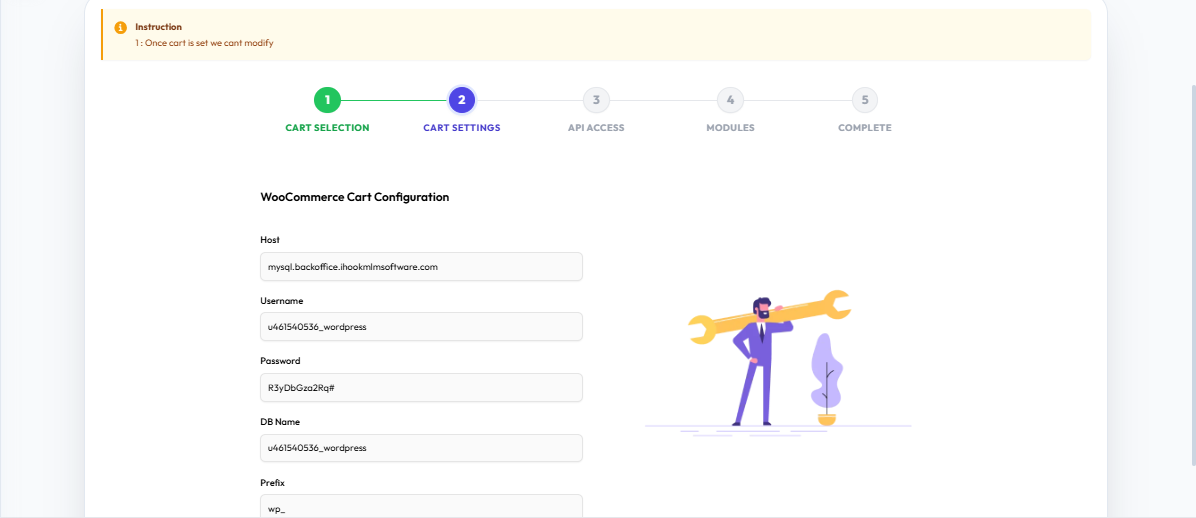
Cart Settings
Flow Definition
Adjust cart behavior, currency options, and general display preferences for the storefront.
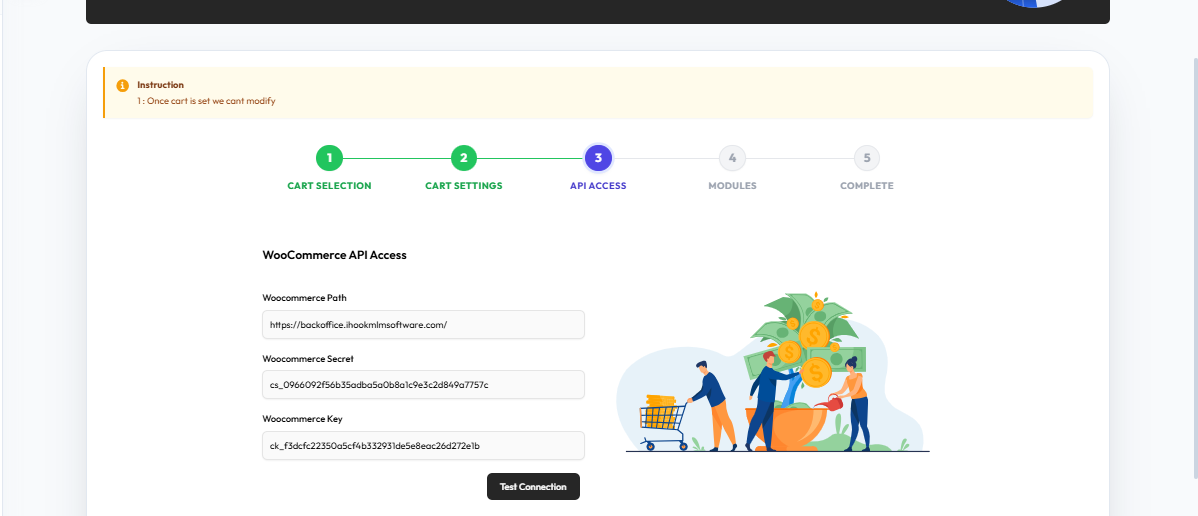
API Access
Flow Definition
Configure API endpoints and credentials for seamless communication with the external cart system.
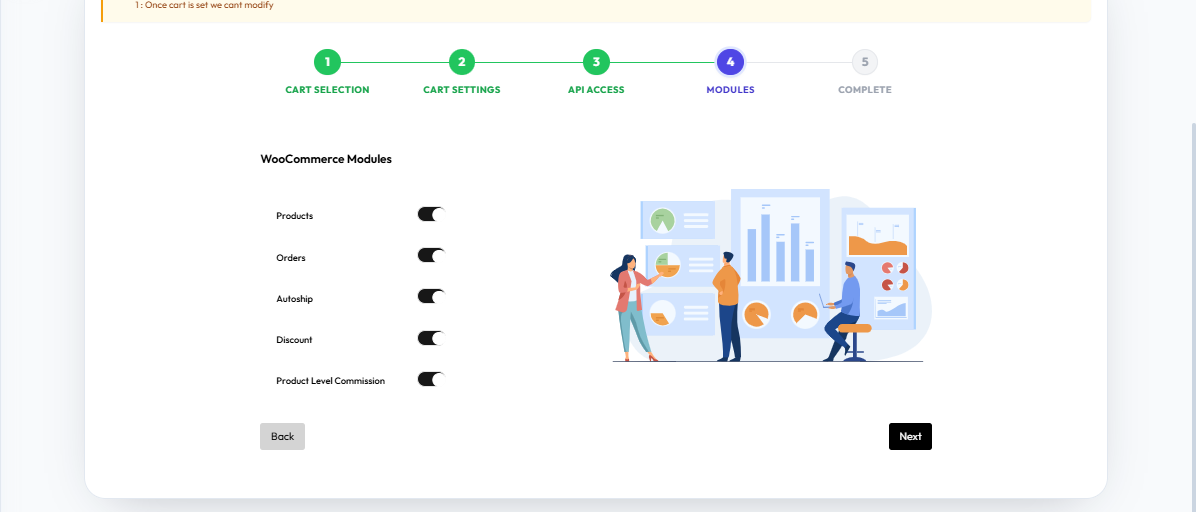
Modules
Flow Definition
Enable, disable, or manage specific cart features and extensions to tailor the shopping experience.
Complete
Flow Definition
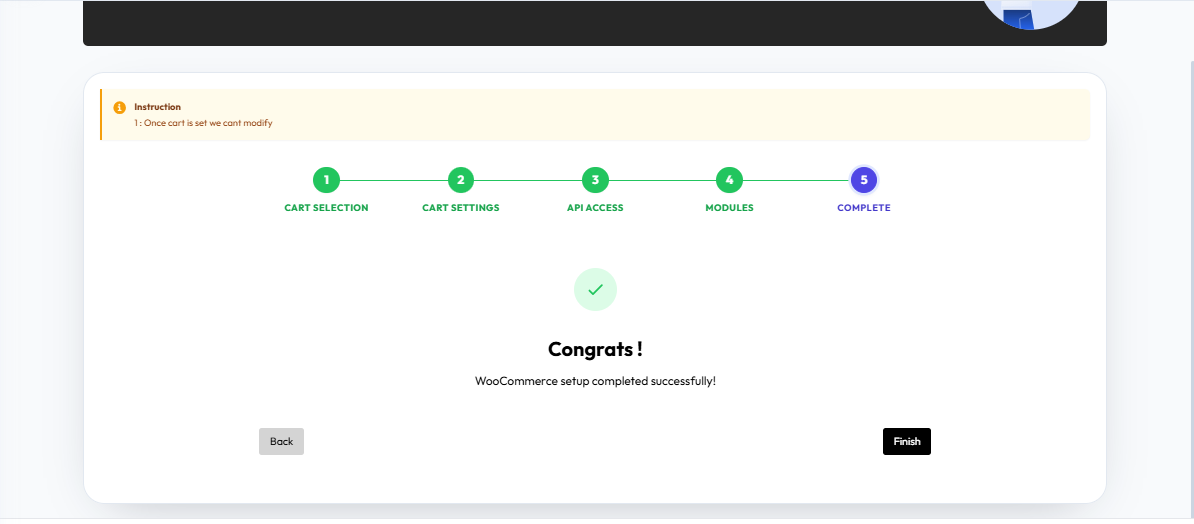
Review the overall cart configuration setup and confirm all settings to finalize integration.
Once you have configured the settings on this page, proceed to the next module in the sidebar to continue your setup workflow.