Team & Distributors
Manage distributors, add new members manually, and track leads.
Step-by-Step Guide
This section explains exactly how Team & Distributors works, the exact data flow, and any conditions related to it.
Module Walkthrough (Step by Step)
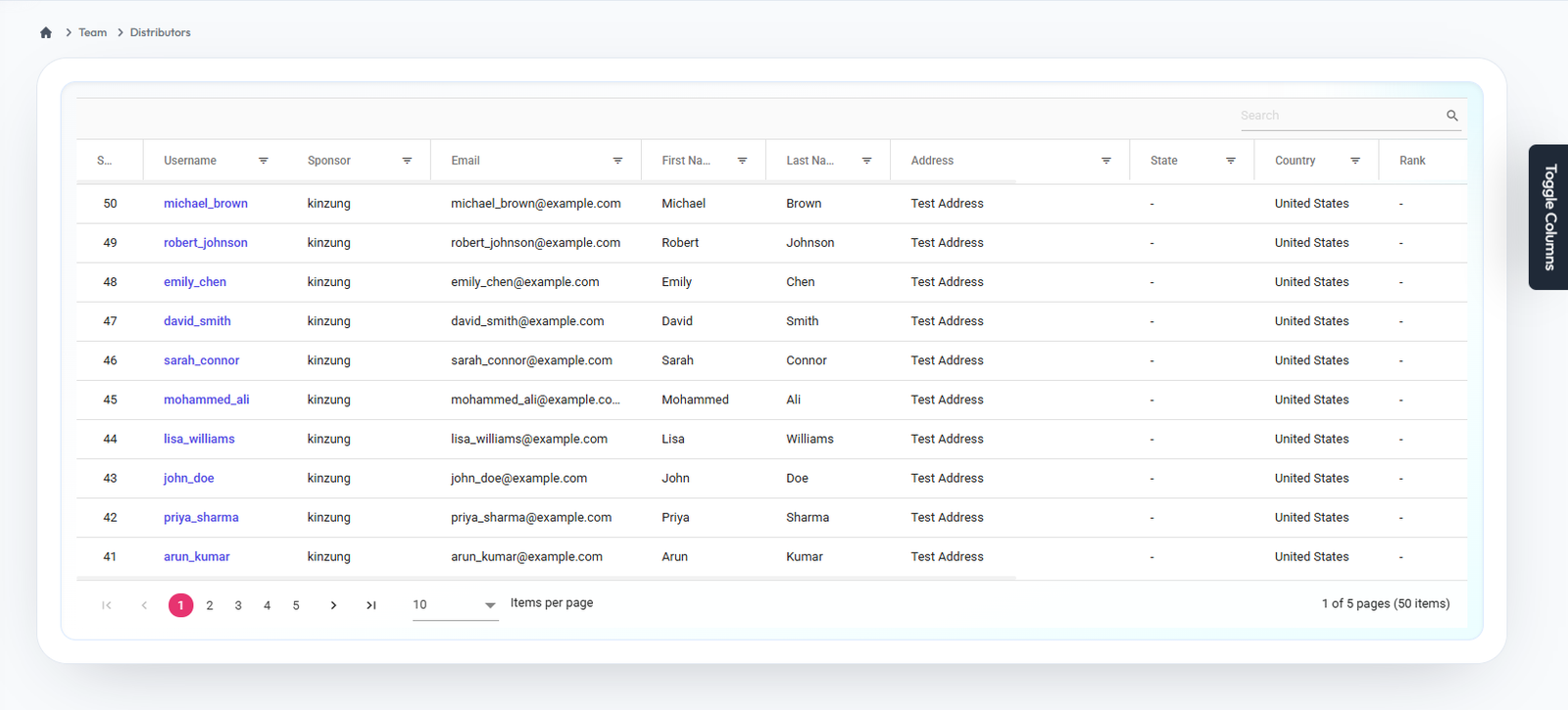
Distributors
Flow Definition
View and manage the comprehensive list of all active distributors in the network.
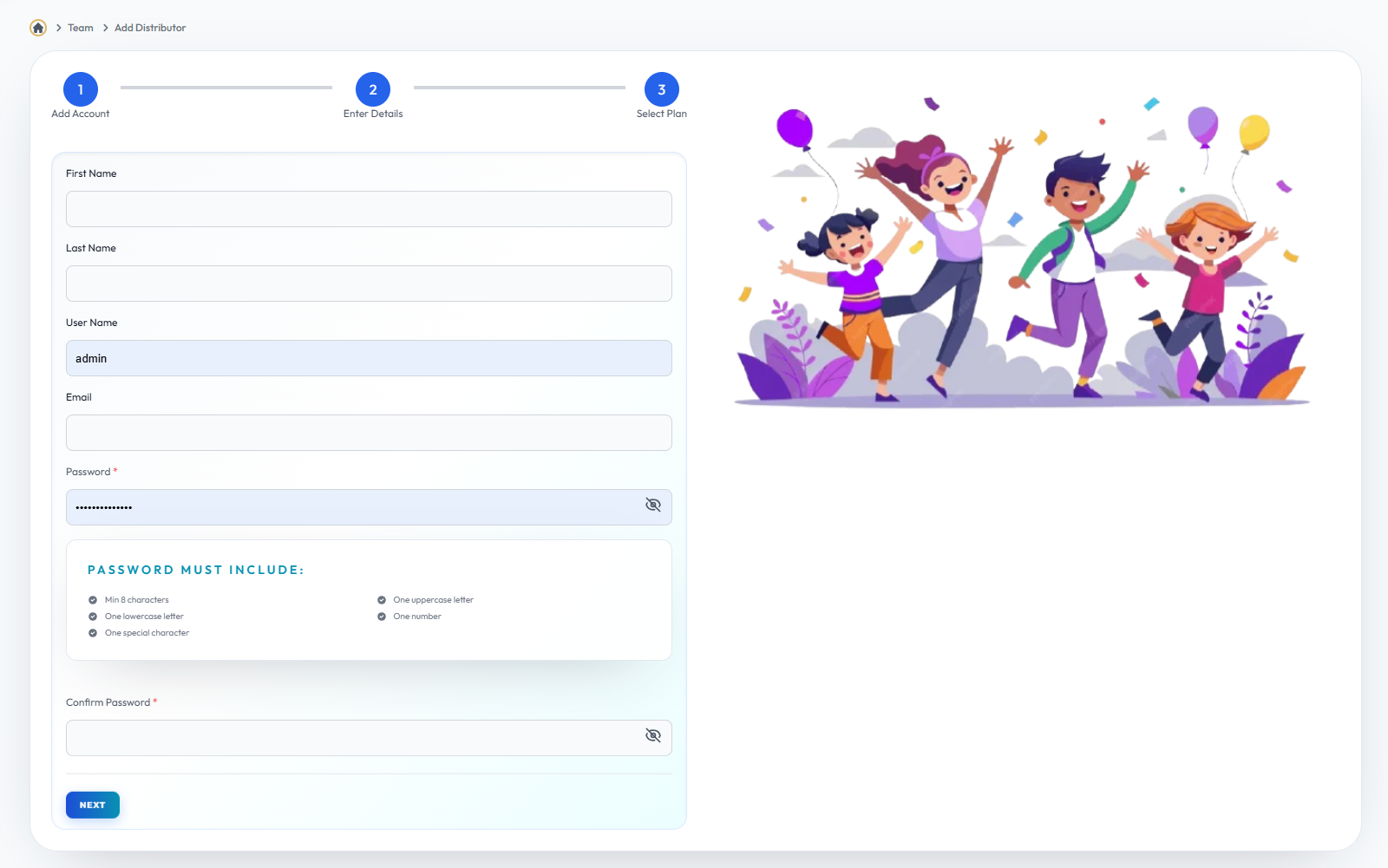
Add Account
Flow Definition
Initiate the process to manually register a new distributor into the system.
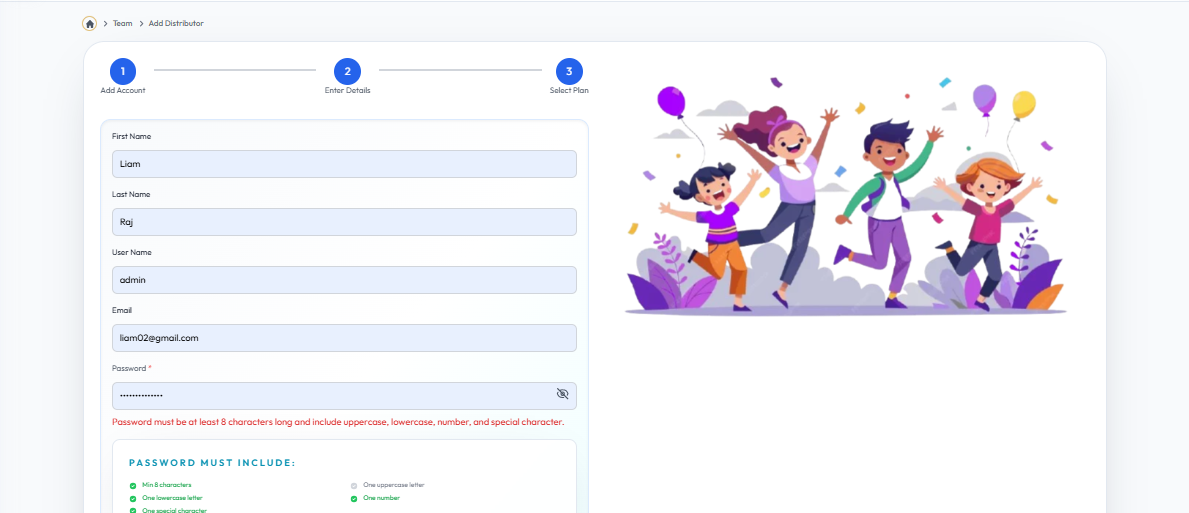
Enter Details (Part 1)
Flow Definition
Provide fundamental personal and contact information for the new distributor account.
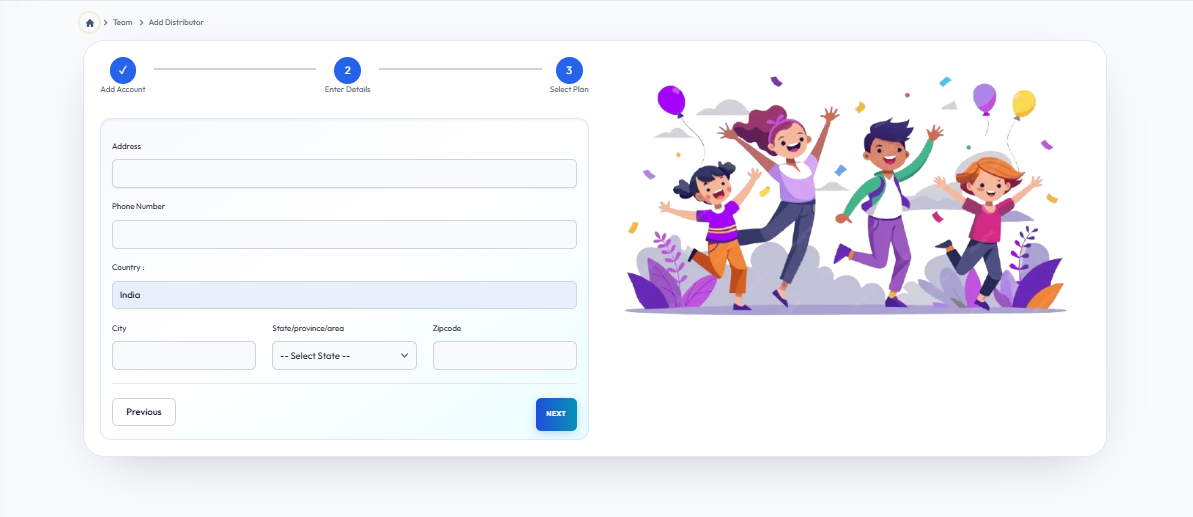
Enter Details (Part 2)
Flow Definition
Configure the placement, sponsor details, and login credentials for the account.
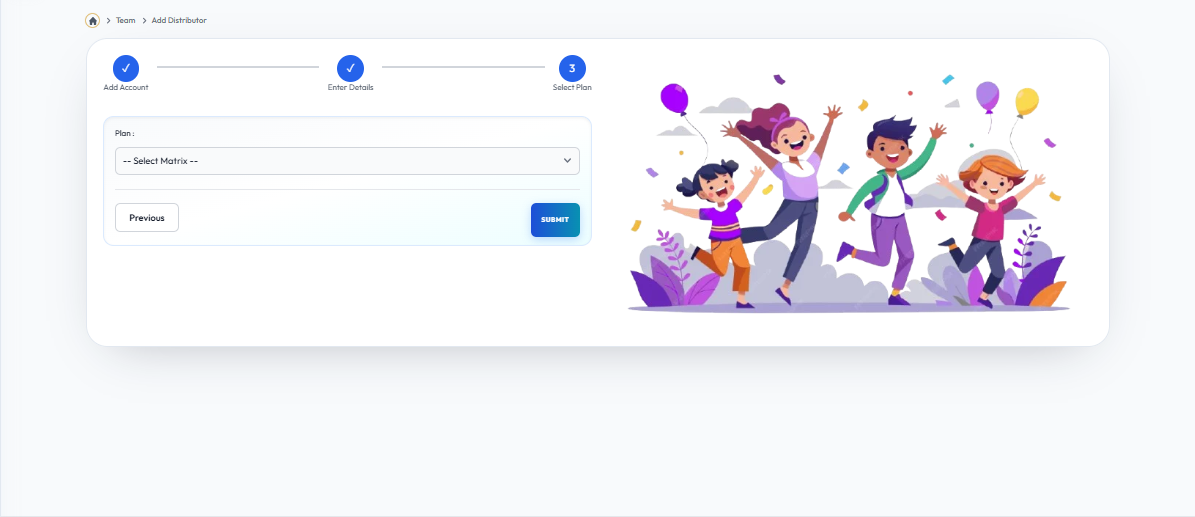
Select Plan
Flow Definition
Choose the appropriate membership plan or package to complete the registration process.
Once you have configured the settings on this page, proceed to the next module in the sidebar to continue your setup workflow.